

Plenty of sales teams don’t create a deal in the CRM until a prospect is qualified on a discovery call. That keeps the pipeline clean. But it meant Arrows couldn’t help with that first call, because an Arrows space is normally created automatically when a deal is created.
Now you can choose to create a space before the deal exists. When you have an upcoming meeting that doesn’t have a space yet, select it and create one.
Create a space from an upcoming meeting
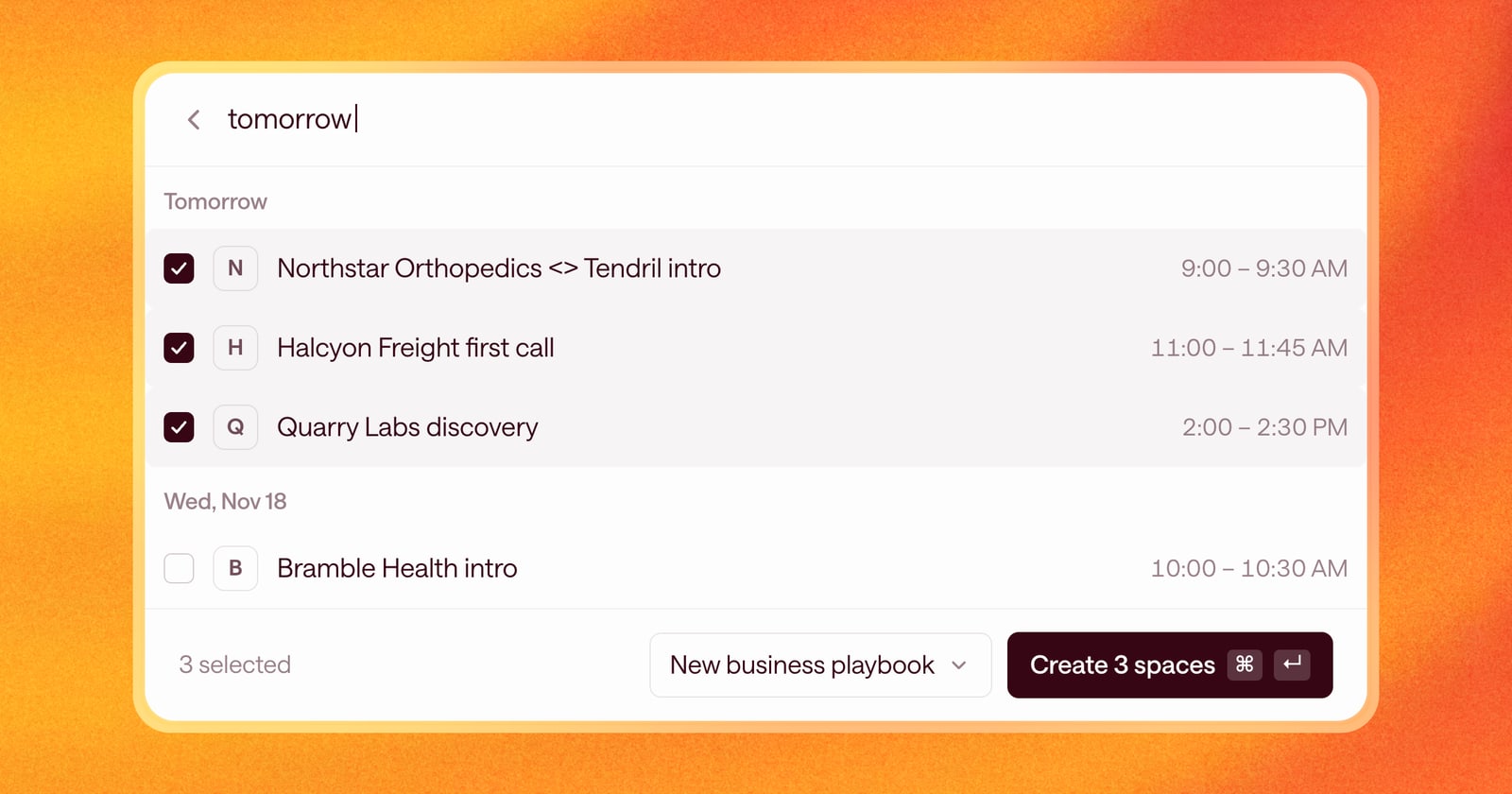
Select New, then From a meeting. You’ll see your meetings with people outside your company that don’t have a space yet, from today through the next 30 days, grouped by day. Search by title, company, or a day like “tomorrow” or “next tue.”
Pick one, or several at once. Each gets its own space, running the Agentic Playbook you choose.
Spaces for deals in your CRM are still created automatically, the same as before. This is for the meetings that come before the deal.
See today’s meetings without a space
On your home screen, Today also shows Meetings without a space: today’s outside meetings that aren’t in any space yet. Select one or more to:
- Create a new space, when it’s the start of something new.
- Add to space, when the meeting belongs to a deal Arrows is already working.
If a meeting doesn’t need a space, like a vendor call, dismiss it, or select Dismiss all. It stays on your calendar; it just leaves the list.
Other ways to start a space
The New menu also lets you start a space from a deal in your CRM, or from a company: enter its name and website, and choose how far back Arrows should bring in your meetings and email with them.
An example
Tendril creates deals only after discovery. Maya has a discovery call with Northstar Orthopedics tomorrow, booked from an inbound form. She selects New, then From a meeting, types “tomorrow,” and picks the Northstar call along with two other intro calls. Three spaces open, each running her new business playbook, and Arrows gets her ready for each call, before any of them is a deal.
How to use it
- Select New in the side navigation, or press c anywhere.
- Choose From a meeting and pick one or more meetings.
- Choose a playbook and select Create space.