

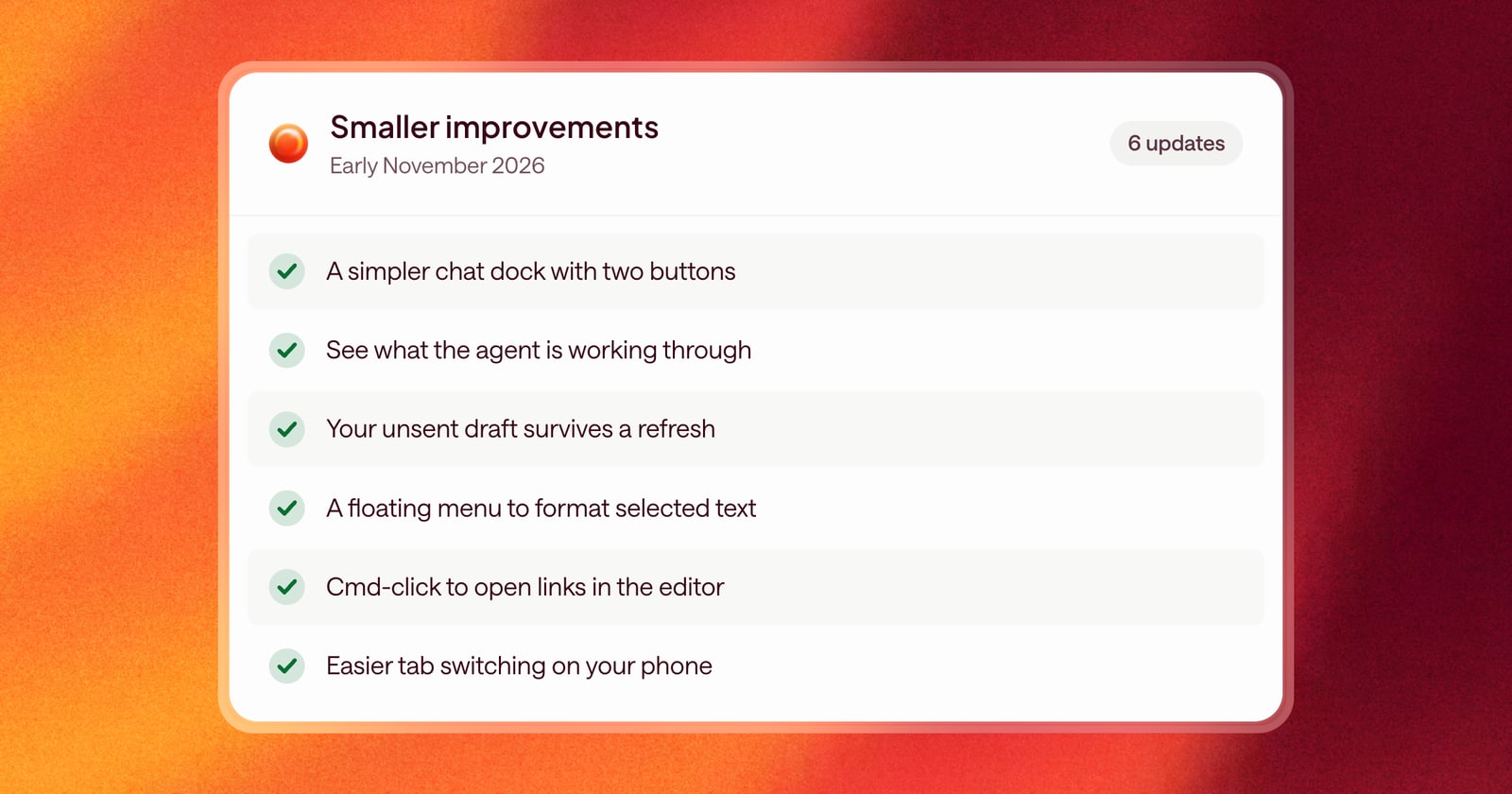
Here’s what else got better in Arrows in the first days of November.
Chat
- A simpler chat dock. The chat dock now has just two buttons: talk to Arrows with Ramble, or type, so you can ask for what you need the way that suits the moment.
- See Arrows think. Chat shows what Arrows is working through as it goes, and scrolls along on its own so you always see the latest.
- Chat keeps up. Messages update properly while Arrows is still working, so you see progress as it happens.
- Your draft survives a refresh. Text you’ve typed but not sent is still there if you reload the page.
Writing and editing
- A floating formatting menu. Select text in the editor to bold it, italicize it, make a list, or add a link, without hunting for a toolbar.
- Links you can follow. Hover a link to see a hint, then Cmd-click (or Ctrl-click on Windows) to open it.
- The same formatting everywhere. Editors across Arrows now share the same formatting tools, so what works in one place works in the rest.
Navigation
- Connector logos at a glance. The top of the Connectors page shows the tools you can connect, and you can dismiss it once you’ve seen it.
- Easier tab switching on your phone. On mobile, switching tabs on the home page opens a sheet from the bottom of the screen that’s easy to reach with your thumb.