

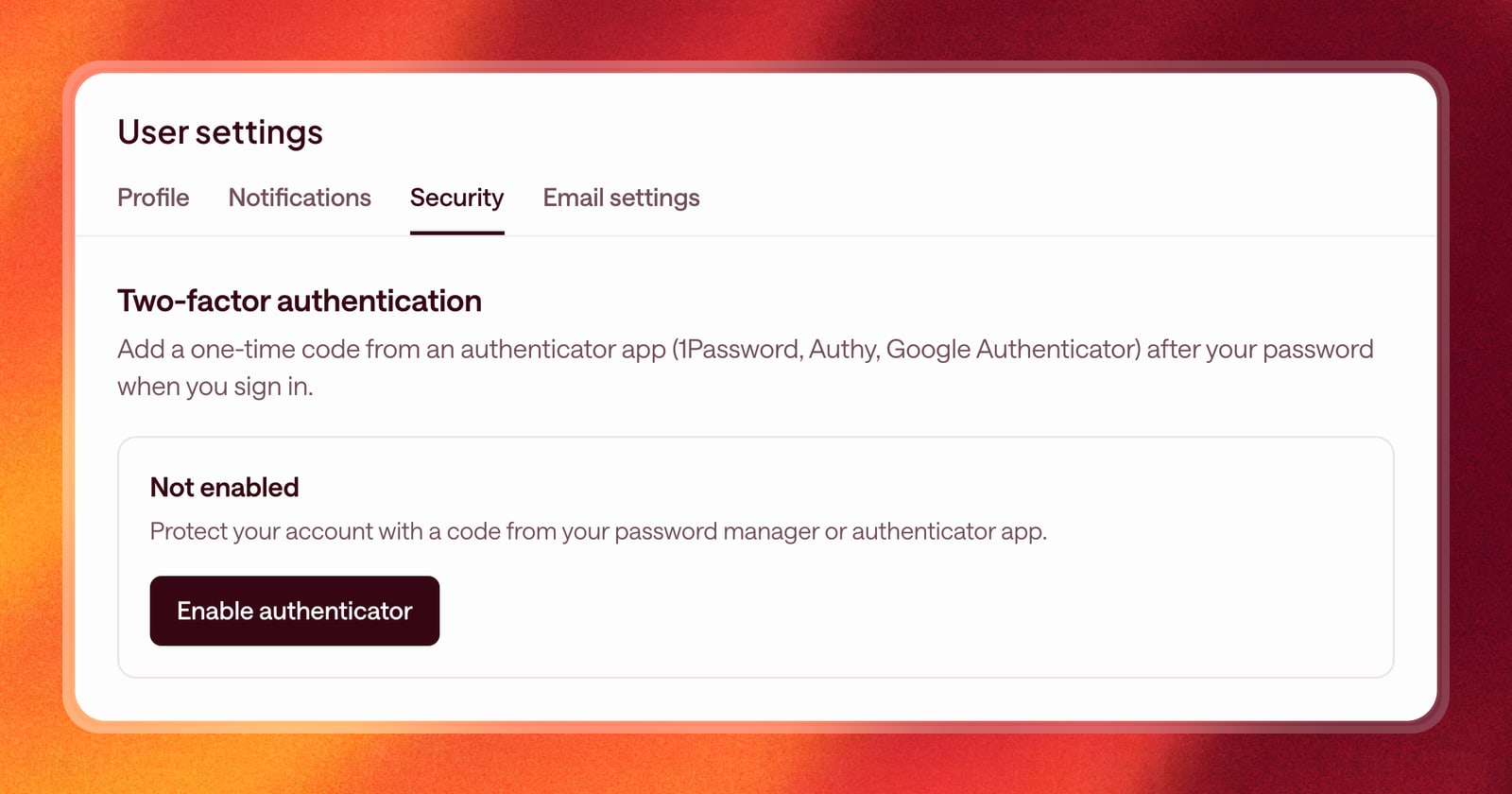
Arrows sees a lot about your deals: your CRM, your meetings, and your email with buyers. A password on its own is a thin layer of protection for all of that. If it leaks or gets reused somewhere else, someone could sign in as you.
Starting today, you can turn on two-factor authentication for your Arrows account.
How it works
Two-factor authentication adds a second step to signing in. After you enter your password, Arrows asks for a six-digit code from an authenticator app on your phone or computer. The code changes every 30 seconds, so even if someone has your password, they can’t get in without it.
Arrows works with any standard authenticator app, including 1Password, Authy, and Google Authenticator.
Backup codes
When you turn it on, Arrows gives you a set of backup codes. Each one works once, in place of a code from your app. Save them somewhere safe, like your password manager, in case you lose your phone.
Your security settings show how many backup codes you have left.
How to turn it on
- Open User settings and go to the Security tab.
- Click Enable authenticator.
- Scan the QR code with your authenticator app. If you can’t scan it, copy the key and paste it into the app instead.
- Enter the six-digit code your app shows, and click Enable two-factor.
- Save your backup codes.
The next time you sign in, Arrows will ask for a code after your password. It only takes a few seconds, and it’s the same step you likely already take for your email and your CRM.
Turning it off
If you need to turn it off, go back to the Security tab. You’ll confirm your password and a current code from your app (or a backup code), then click Disable two-factor.
Why we recommend it
Most account takeovers start with a password that was reused or leaked somewhere else. A second step stops them, because the code lives on a device only you have.
It takes about a minute to set up, and it’s one of the simplest ways to keep your deals, your buyers’ emails, and your CRM safe. If you already use a password manager with a built-in authenticator, it’s even quicker: the code fills in for you.