

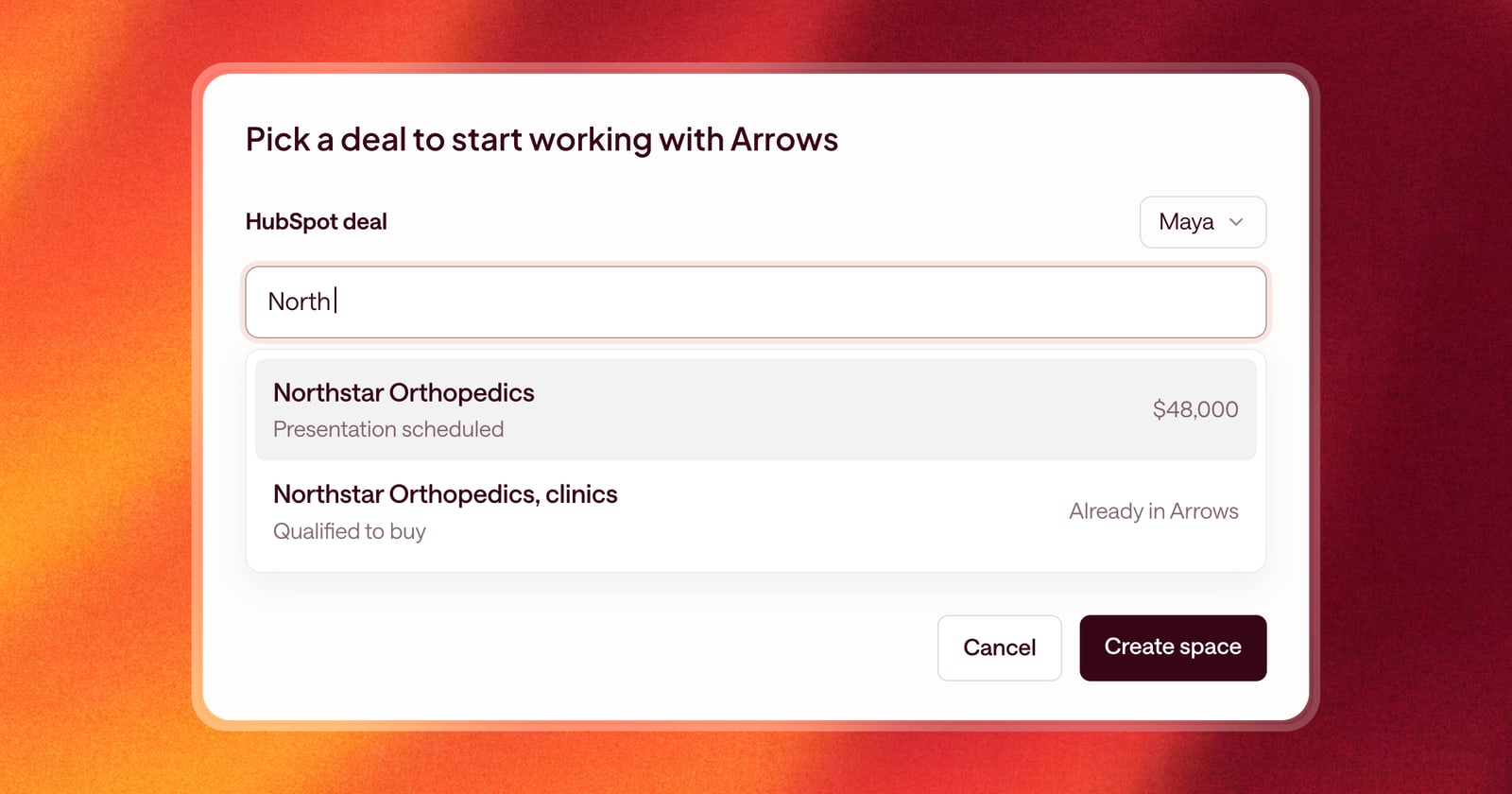
When a deal gets an Arrows space, Arrows starts working it: building a Deal Gameplan, drafting follow-ups, and writing briefs. That’s what you want for your deals. It’s not what you want for a deal owned by someone in another department who has never logged in.
This week we made the rules for when Arrows creates a space more precise, and made it easier to create a space yourself when you need one.
Spaces for deals your team owns
Arrows now creates spaces automatically only for deals whose owner is an Arrows user. If a deal in your pipeline belongs to someone who isn’t using Arrows, it won’t get a space, and Arrows won’t spend time on it.
When a new rep joins your team in Arrows, the deals already sitting in the pipeline don’t get spaces automatically. New deals that come in after they join do. For an existing deal they want Arrows to work, they create a space for it by hand, which is now easier.
Two new ways to create a space
You can now create a space from two more places:
- From the space view, where you browse all your spaces.
- From your Sales Workspace, without leaving your day.
Pick the deal, and Arrows sets up the space and gets to work.
The full history, even on busy deals
Some HubSpot deals have a long history: hundreds of emails, a stack of meetings, and notes from every call. On those deals, Arrows sometimes only brought in part of the record.
Now Arrows pulls in all the emails, meetings, notes, and calls on a HubSpot deal, no matter how many there are. It works from the whole story, not the most recent chapter.
Internal notes on meetings
Many reps keep their real thoughts in the internal notes on a HubSpot meeting: “CFO seemed skeptical,” “they’re also talking to a competitor.” Arrows now reads those internal notes too, so the plan and the work reflect what you actually picked up on the call.
An example
You join Arrows midway through the quarter with twelve deals in your pipeline. Arrows doesn’t flood you with twelve new spaces at once. You pick the three deals closing this month and create spaces for them from your workspace. One of them has eight months of history in HubSpot. Arrows brings all of it in, including the internal note from the last meeting that says the champion is leaving at the end of the quarter. The gameplan adds a step to find a second contact.
Getting started
The new rules for when Arrows creates a space apply to every team. To create a space for any other deal, use the create option on your dashboard or in the space view.