

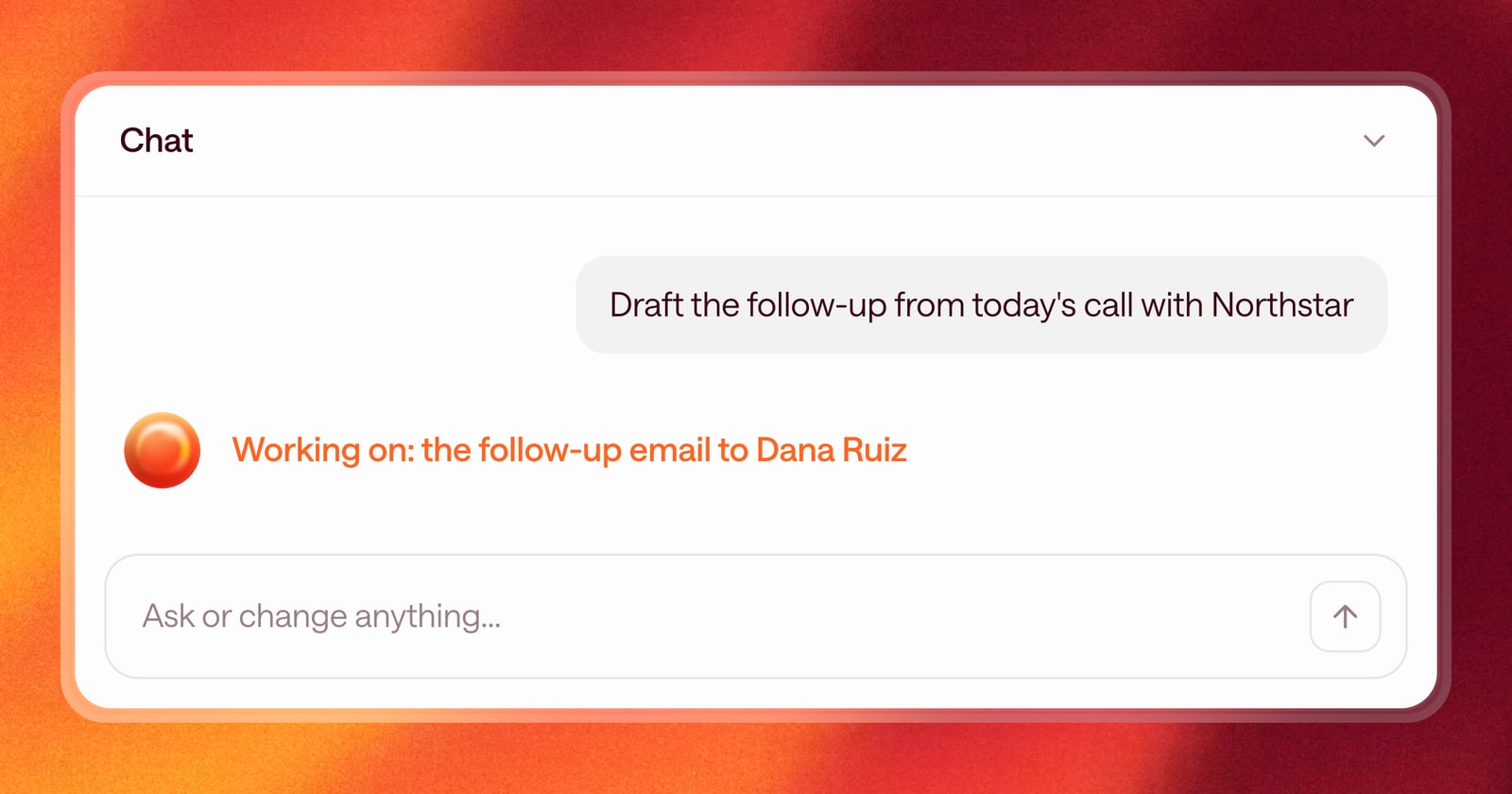
When you ask someone for help, you can tell whether they heard you and whether they’re working on it. Software usually gives you a spinner and leaves you guessing.
Starting today, Arrows has a new look: an animated orb that shows what it’s doing.
What the orb shows
The orb changes with what Arrows is doing:
- Listening while you talk to it
- Thinking while it works out what to do
- Working while it writes an email, updates the Deal Gameplan, or builds a sales room
- Done when the work is finished
You’ll see it in the chat, next to Arrows’ messages, and on gameplan steps Arrows is working on. It’s a small change, but it answers the question you’d otherwise ask: “Is it doing anything?”
See which deals need you
The orb also shows up next to your deals in the sidebar. When Arrows has finished work for a deal and it’s waiting for you to approve, like a follow-up email to review or a CRM update to push, an orb appears next to that deal’s Arrows space.
That gives you a quick way to find work waiting on you. Glance at the sidebar, open the deals with an orb, and clear them.
An example
You get out of back-to-back calls at 3pm. Before you open anything, you look at the sidebar. Three of your deals show the orb. Those are the ones where Arrows has drafted follow-ups or prepared updates from today’s calls.
You open the first one, review the email, send it, and move to the next. The rest of your deals are quiet, so you know you can leave them for now.
Why we made it
Arrows does a lot of work in the background: reading new emails, preparing for meetings, and keeping each gameplan current. The orb makes that work visible, so you know when Arrows is busy, when it’s finished, and where to look next.
How to use it
There’s nothing to turn on. Open the chat or any space and you’ll see the new orb. Talk to it or type a question, and watch it change as Arrows works.