

Every sales team has a few resources that close deals: the case study from a customer in the same industry, the two-minute product video, the security overview IT always asks for. The hard part isn’t having them. It’s sending the right one at the right moment.
The resource library in Arrows is where those live. This month it got three upgrades that make Arrows much better at picking the right one.
Arrows reads what’s inside
When you add a link or a video to your resource library, Arrows now pulls out much more about what it covers. For PDFs, Arrows stores the actual text of the document, not just its title.
That matters because Arrows picks resources by what they say. A case study titled “Customer story” tells it very little. The text inside, about a 40-person sales team that cut its ramp time, tells it exactly which buyer would care.
Arrows uses resources everywhere it writes
Before, Arrows only looked at your resource library when it built a sales room, a Deal Overview, or a pre-call brief.
Now it can use the library any time it drafts an email or proposes something on a deal. If a buyer asks on a call how other teams their size rolled it out, the follow-up email can include the case study that answers that question.
Upload PDFs
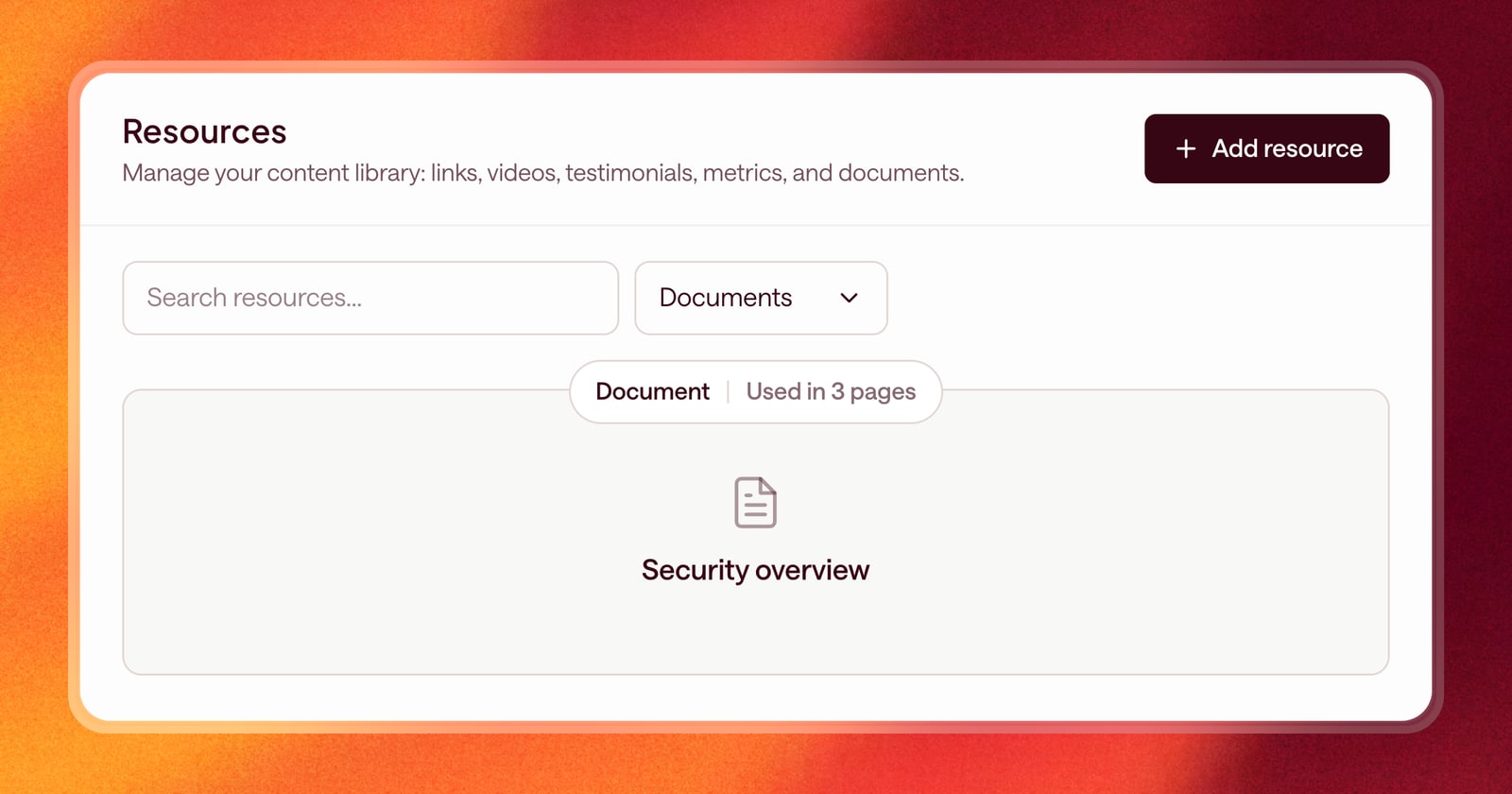
You can now add PDF documents straight to the resource library. Arrows can add them to a sales room, where your buyer can read them without leaving the page.
This is useful for the documents buyers ask for again and again: a security overview, a one-page pricing summary, or an implementation plan.
An example
Say your discovery call was with a VP of Sales who mentioned two things: they’re worried about getting reps to adopt a new tool, and their IT team will need to review security before anything gets signed.
After the call, Arrows drafts the follow-up. Because it knows what’s in your library, it can link the case study about rep adoption and attach the security overview PDF to the deal’s sales room, so IT has it before they ask.
How to use it
Open Resources in the sidebar and click to add a new one. You can add:
- Links to blog posts, articles, or other pages
- Videos from YouTube, Vimeo, Loom, or Wistia
- Documents as PDFs
- Testimonials and quotes from customers
- Metrics and other numbers worth sharing
Give each resource a clear title and description. Arrows does the rest: reading what’s inside and picking the right one for each buyer.