

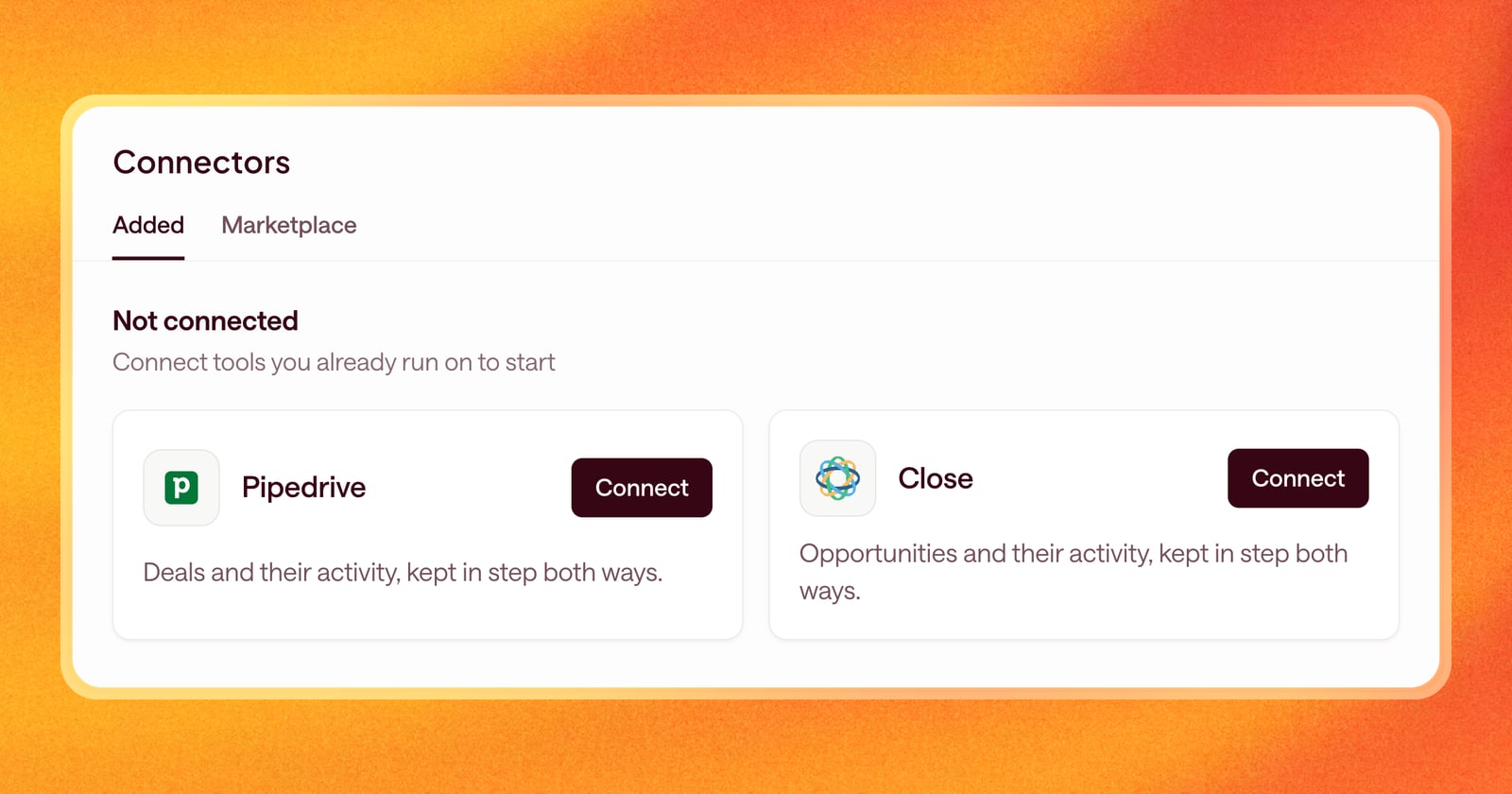
Plenty of great sales teams don’t run on HubSpot or Salesforce. They picked Pipedrive because it’s simple and built around the pipeline, or Close because they live on the phone and in email. Until now, those teams couldn’t use Arrows.
That changes this week. You can now connect Pipedrive or Close to Arrows.
What Arrows reads from your CRM
Once your CRM is connected, Arrows builds an Arrows space for each deal and fills it with what your CRM knows about it:
- The deal itself. In Pipedrive that’s the deal. In Close it’s the opportunity. Arrows reads the fields your team uses, like stage, value, and close date.
- The people. Contacts on the deal come in, so Arrows knows who’s involved.
- Activities. Meetings and other activities logged on the deal, so Arrows knows what has happened and what’s coming up.
- Notes. The notes your reps write after calls, which is often where the real story of a deal lives.
When something changes in your CRM, like a new note or a moved meeting, Arrows picks it up and revisits the Deal Gameplan for that deal.
What you get
Everything Arrows does on other CRMs now works on Pipedrive and Close too. Each deal gets a gameplan built from your Agentic Playbook. Arrows writes follow-up emails and pre-call briefs from the deal’s history, and puts them in the step they belong to, ready for your review.
Arrows also prepares CRM updates, like a new stage or next step after a call. You review the changes, and when you apply them they’re written back to the deal in Pipedrive or Close. You choose which fields Arrows can read and propose updates to, so it stays inside the fields your team actually uses.
An example
Your team runs on Close. A rep logs a note after a discovery call: the buyer wants pricing for 20 seats and needs to loop in their CFO. Arrows picks up the note, and the gameplan updates. The next step now holds a follow-up email with the pricing details, a proposed update to the opportunity, and a reminder to bring the CFO into the next meeting. The rep reviews it, makes one edit, and sends.
Getting started
Connect Pipedrive or Close from Arrows and sign in to your CRM account. Then choose which fields Arrows can work with. Spaces are created for your deals, and Arrows gets to work on each one.