

If you lead a sales team, you want to know two things about any tool your reps use. Is it doing real work? And is the team actually using it?
The Activity page gave you part of that answer. Today it becomes the Performance page, rebuilt for sales leaders to answer both questions at a glance.
What’s on the page
The top of the page shows Arrows’ work across your team for the period you choose:
- Time spent on your deals. The hours of work Arrows put into your deals, with a chart by day.
- Work your team used. How many pieces of Arrows’ work your team used, like emails, CRM updates, and pre-call briefs, and across how many deals.
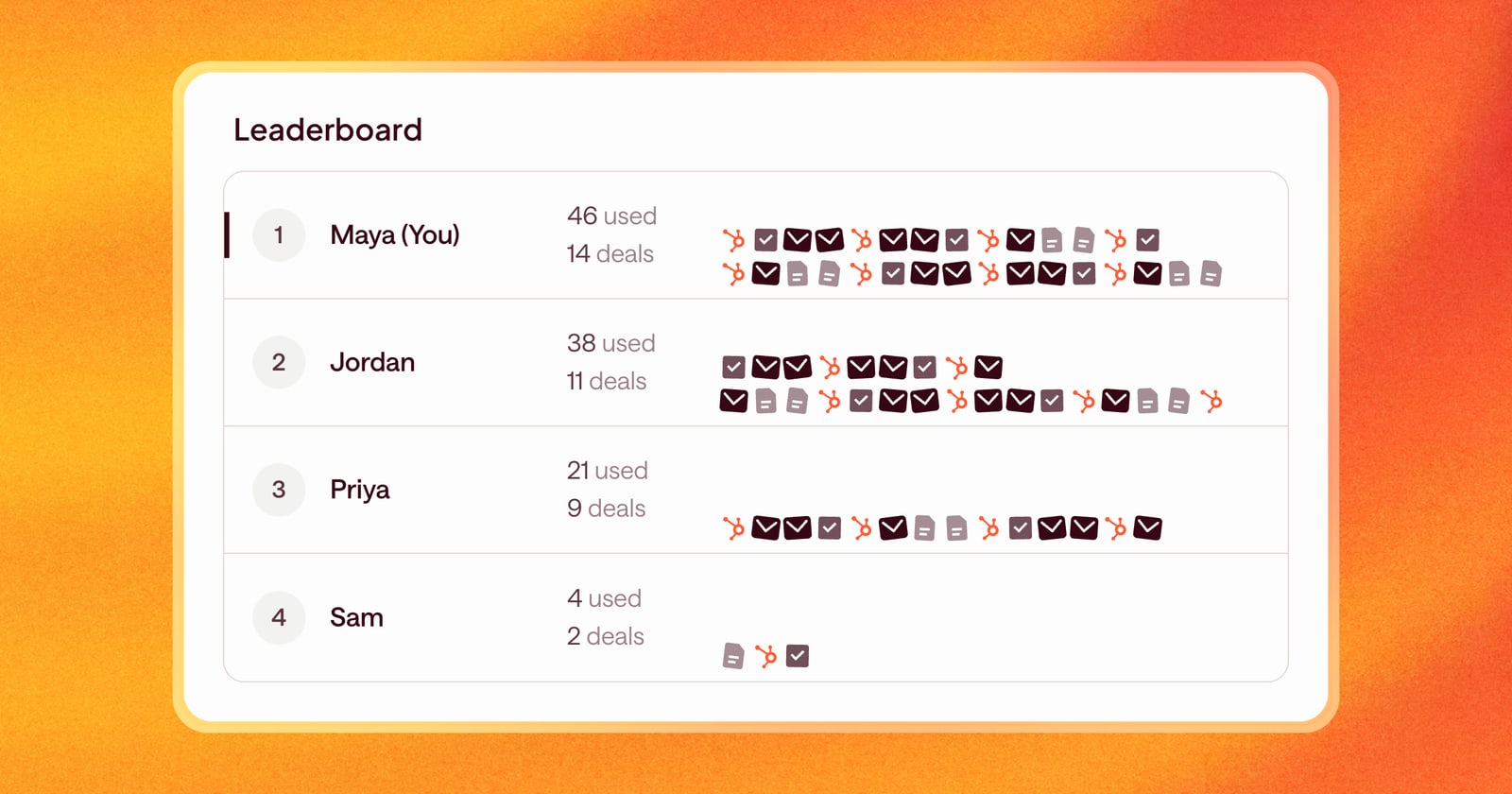
The work shows as a pile of icons, one for each piece of work used. It’s an easy way to see what kind of work your team relies on most: if the pile is mostly emails, Arrows is writing a lot of your follow-ups.
The leaderboard is right below, and it’s the default view. Each rep is ranked by how much of Arrows’ work they used, with the number of deals they used it on. Hover over a rep and the pile above highlights their work.
Pick your time range
Choose the period from the top of the page, by month or by quarter. The leaderboard follows the same period, so you can compare this month to last, or see who led the quarter.
Counts, not ratios
Earlier versions of this page showed a capacity multiplier. We replaced it with something simpler: a count of the work used, with icons for each type. A plain count of emails, updates, and briefs is easier to act on than a ratio.
What this looks like in a team meeting
Say you’re running your Monday team meeting.
You open Performance and set the period to this month. The top shows Arrows put in a few dozen hours across your team’s deals. The leaderboard shows two reps using most of Arrows’ work, and one rep who has barely used it.
That’s a conversation to have. Maybe that rep’s deals aren’t in Arrows yet. Maybe they don’t trust the drafts. Either way, you know where to look, and you can see what the reps at the top are doing differently.
Getting started
Click Performance in the sidebar.