

Notifications are supposed to help you act. Too many of them, and you start ignoring all of them.
Until now, Arrows sent a Slack message for every single thing it prepared. After a discovery call, that could mean three pings in a row: one to send the follow-up email, one to apply the CRM updates, and one to review the brief for the next meeting. All about the same deal, all within a minute.
Starting today, you get one.
One message per step
Arrows organizes its work into the steps of each deal’s Deal Gameplan, like “Follow up after the discovery call.” Each step can hold several pieces of work.
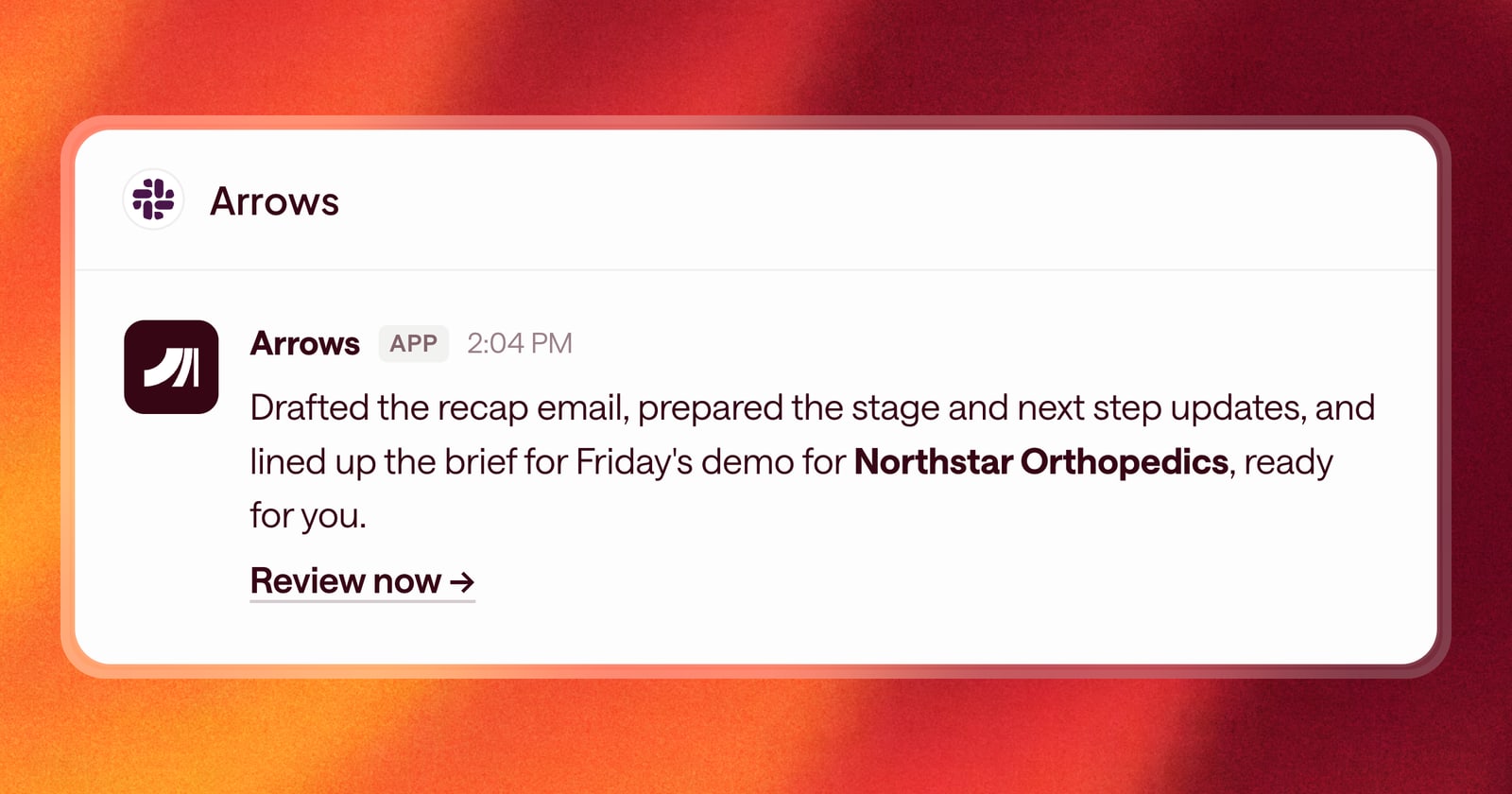
Now Arrows sends one Slack message for each step that needs you. That message covers everything you need to do in the step: the email to send, the CRM updates to apply, and the brief to review. You get the full picture of what the deal needs in one message.
Messages that say what happened
We also rewrote the messages themselves. They now read more like what Arrows actually did, the way a teammate would tell you, instead of a list of system events.
You’ll see what happened on the deal and what Arrows prepared because of it, so it’s easier to decide from Slack whether something needs you right now or can wait until after your next call.
New teammates get notified from day one
When someone new joins your team in Arrows, they now get Slack notifications automatically. No extra setup for the new rep, and no week of missed follow-ups while someone figures out why nothing is showing up.
An example
You finish a discovery call at 2pm. Before, your Slack lit up three times: send the recap, apply the CRM updates, review the brief for Friday’s demo. Now you get one message about the deal: the call wrapped, Arrows drafted the recap and prepared the stage and next-step updates, and the step is ready for you. You open it once, approve the work, and get back to your day.
Getting started
If your team has Slack connected to Arrows, there’s nothing to change. Your notifications are already grouped by step.