

Alongside the bigger releases this month, here’s what else got better in Arrows.
Playbooks
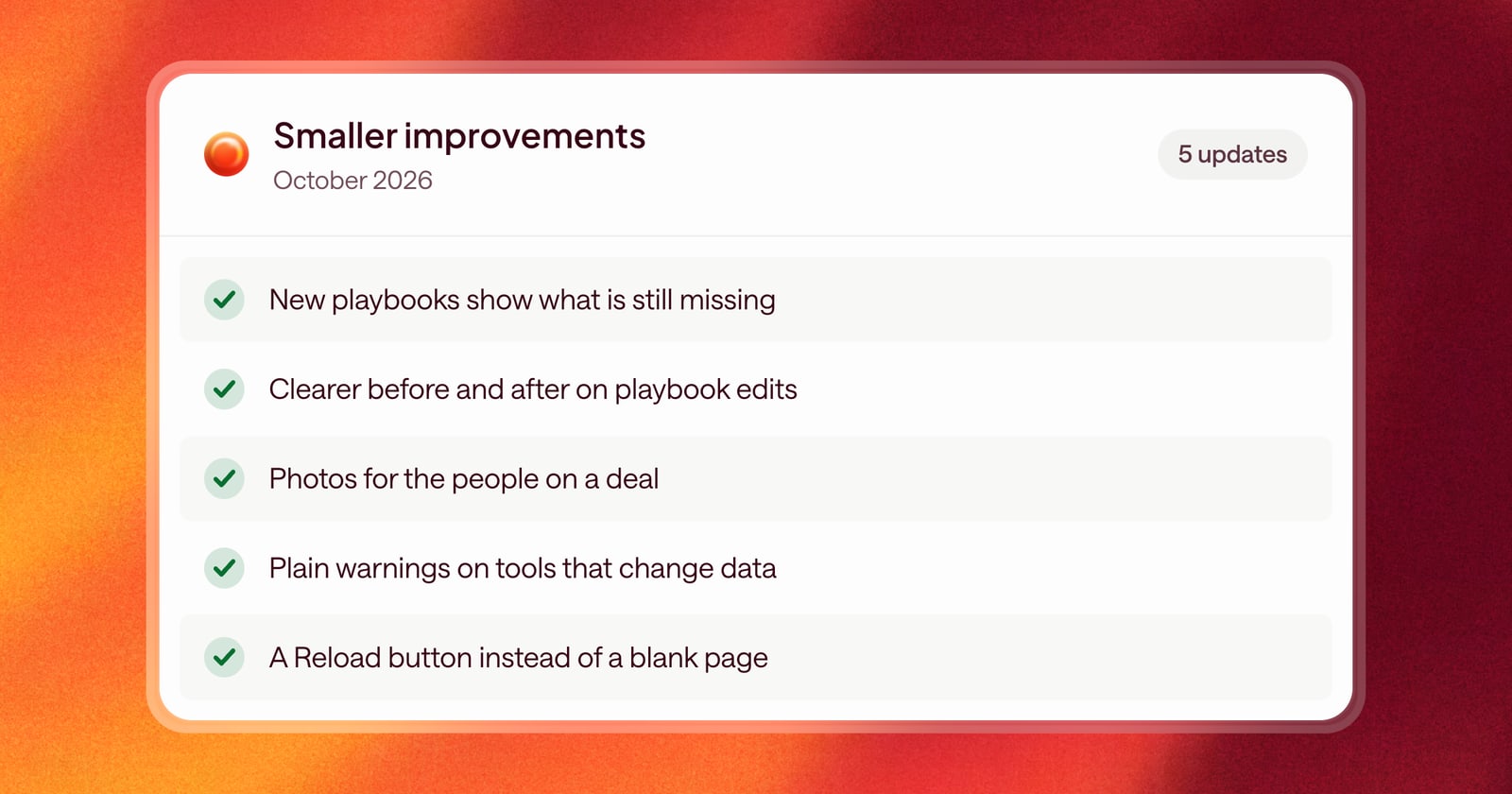
- Creating a playbook stays open. A new Agentic Playbook stays on screen while you work on it and shows what’s still missing, so you know what to add before it’s ready.
- Clearer edits. When a playbook changes, the before and after are easier to read, so you can see exactly what’s different.
- Removed knowledge is easy to spot. When a change removes a knowledge base entry from a playbook, it’s shown clearly, so nothing disappears without you noticing.
Deals and people
- Photos for people on a deal. People in an Arrows space show their photo, so you can put a face to every name on the buying team.
- Home and spaces feel the same. The home page and spaces now share the same look, and scrolling through a long Deal Gameplan is smoother.
Connected tools
- Clearer labels on tools that change data. Actions that modify data in the other tools you connect now show a plain warning instead of a “Destructive” tag, so you know what the action does without the alarm.
Fixes
- A way back from a blank page. If a page ever fails to load and shows up blank, you now get a Reload button instead of an empty screen.