

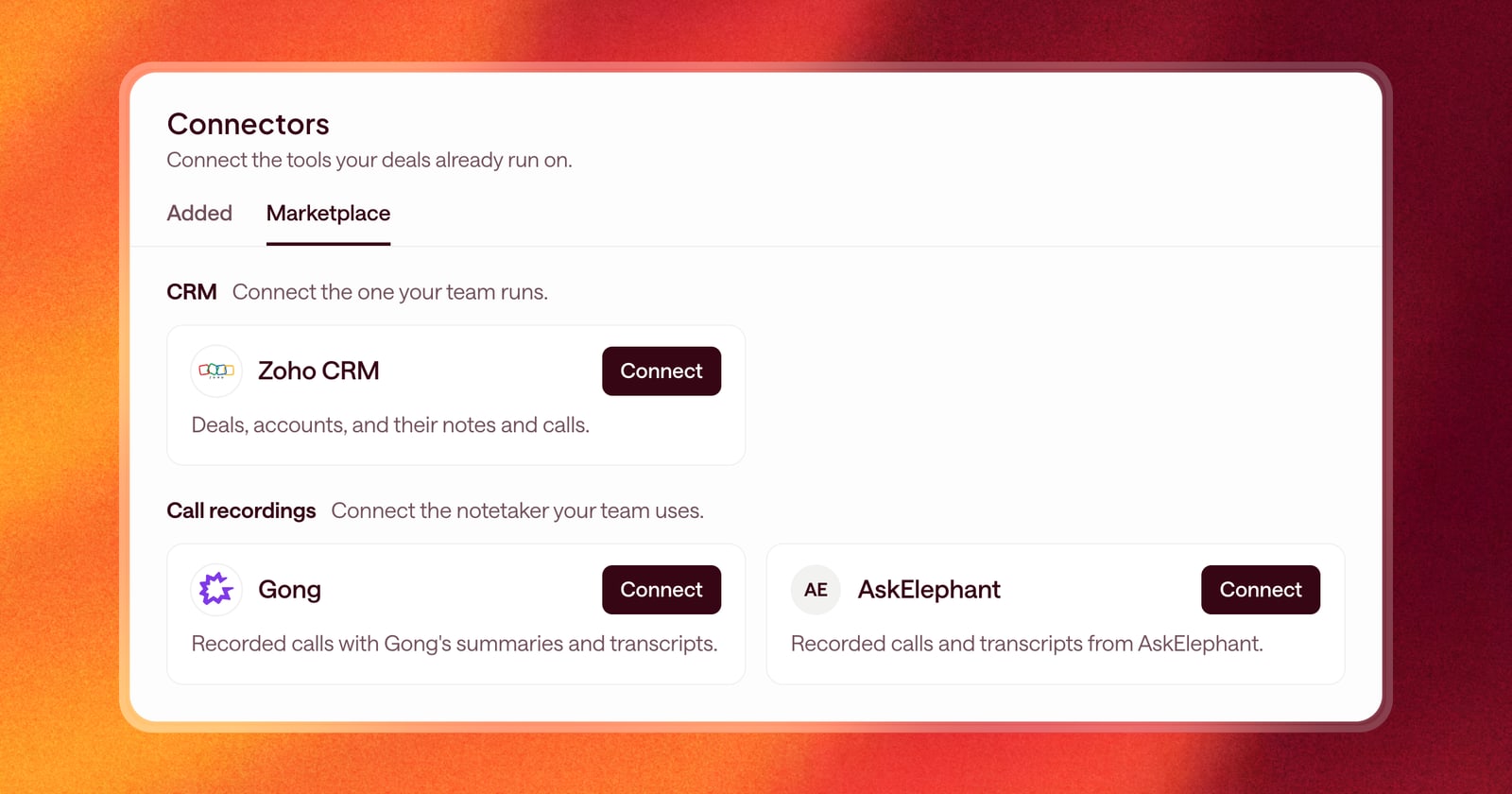
The more of your sales stack Arrows can see, the better its work gets. A follow-up written from the call transcript beats one written from a CRM note. But connections were spread across settings pages, and it wasn’t always clear what each one did.
Today there’s one place for all of it: a new Connectors page. And three new tools to connect.
One page for every connection
Open Connectors in the side navigation. You’ll see two tabs:
- Added: the tools your team uses, grouped into email and calendar, CRM, call recordings, and notifications, with who is connected and who isn’t.
- Marketplace: the tools you can add, with a search bar to find one fast.
Every connector says in plain language what Arrows does with it. For example, a CRM connector says it reads the deals you pick and writes a field back only when you approve the change. No guessing about what Arrows can see.
Some tools are connected once for the whole team, like your CRM. Others, like email and calendar, each person connects for themselves. The page shows which is which, and who on the team still needs to connect.
New: Zoho CRM
If your team runs on Zoho, you can now connect it. Arrows reads the deals you pick and brings each one into an Arrows space with its account, contacts, notes, and logged calls. Changes to deal fields go back to Zoho only when you approve them.
Zoho doesn’t share meetings with Arrows, so connect your Google or Microsoft calendar for those.
New: Gong and AskElephant
Two more call recorders join Grain, Fathom, Granola, and Fireflies:
- Gong: Arrows reads each call’s summary, transcript, attendees, and a link to the recording, and puts the call in the space it belongs to. Set up the Gong webhook from the connector page and calls arrive as soon as Gong finishes processing them.
- AskElephant: Arrows reads each call’s transcript and attendees and puts it in the right space. Calls marked private in AskElephant stay out of Arrows.
With a recorder connected, Arrows works from what the buyer actually said. That shows up in sharper follow-ups, more accurate CRM updates, and pre-call briefs that remember the last conversation.
Getting started
Open Connectors. If the tool you need is under Marketplace, add it to your team, then connect it. If you don’t see a tool your team uses, let us know and we’ll help you get it added.