

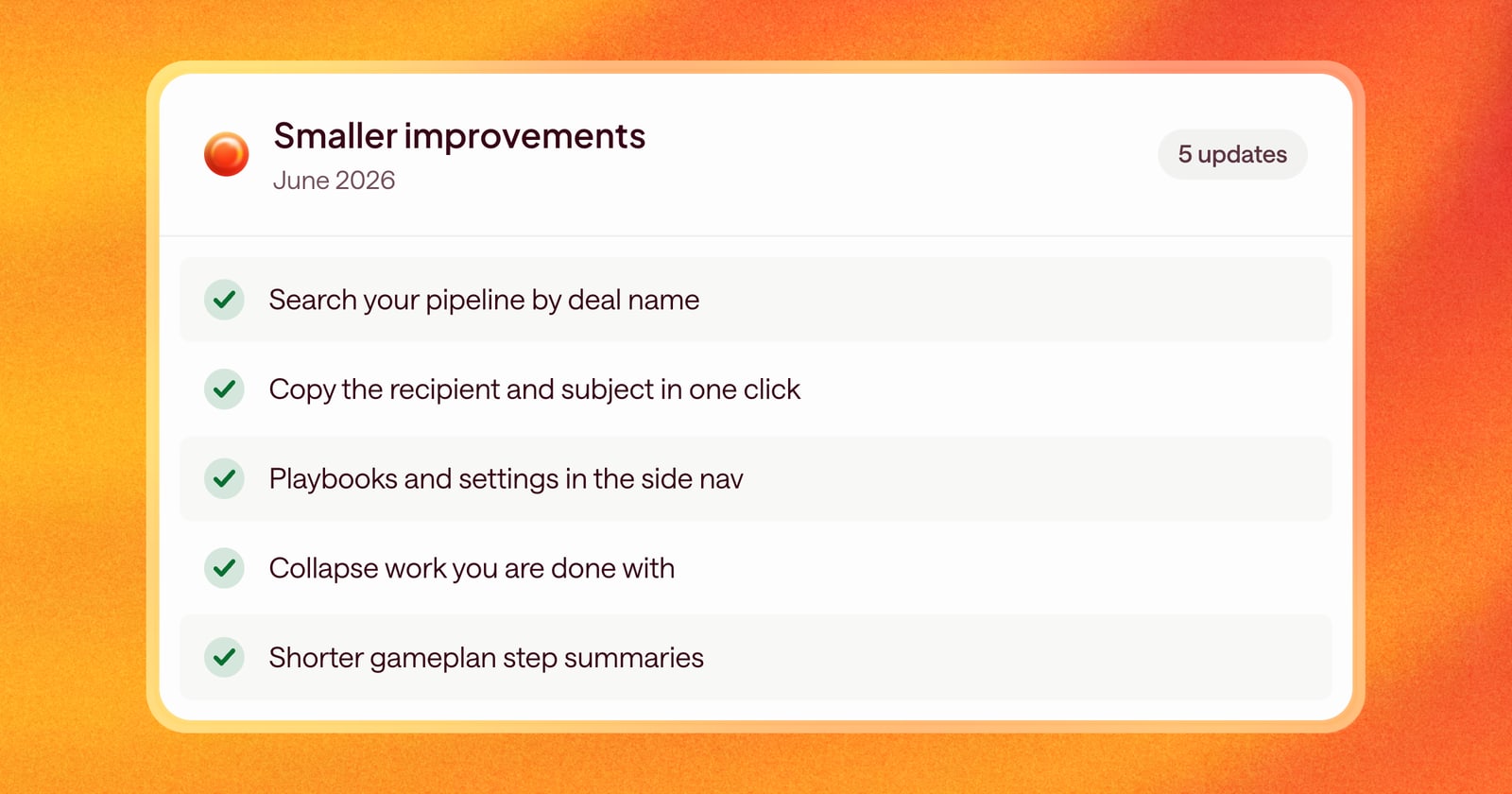
Alongside the bigger releases this month, we shipped a handful of smaller changes that make Arrows quicker to use every day.
Finding and moving around
- Search your pipeline. The pipeline view now has a search bar, so you can jump to a deal by name instead of scrolling.
- A tidier side nav. Your Agentic Playbook, resources, and organization settings now live in the side navigation, so they’re one click away from anywhere.
Working with emails
- Copy “to” and “subject” in one click. Email drafts now have copy buttons for the recipient and subject line, which makes sending from your own inbox faster.
Reviewing the work Arrows prepares
- History in the header. The history button now sits in the header of each piece of work, like an email draft or a brief, so you can see earlier versions without hunting for it.
- Collapse what you’re done with. Click the header of a piece of work to collapse or expand it, and keep long steps easy to scan.
- Shorter step summaries. Step summaries in your Deal Gameplan are now shorter, so you can read the plan at a glance.
Deal overviews and sales rooms
- Line breaks show up. Cards in deal overviews and sales rooms now keep their line breaks, so longer text reads the way it was written.
- Edit button fixed. The edit button on the sales room header no longer overlaps other content.