

Most deals have more than one person on them. A sales engineer runs the technical demo. A manager joins for the pricing conversation. An account executive takes over a deal a development rep started.
In Arrows, every deal has its own Arrows space, and each space has one owner. Until now, if you helped on a deal you didn’t own, the space wasn’t really yours to follow. And if you handed a deal off, you stayed attached to it.
Starting today, you can join and leave spaces yourself.
Join the deals you work on
If you’re involved in a deal you don’t own, join its space. It shows up with your other deals, so you can keep up with the deal’s Deal Gameplan, see what Arrows prepared, and step in when you’re needed.
The owner stays the owner. Joining doesn’t change who the deal belongs to.
Leave the deals you’ve handed off
When you transfer a deal to a teammate, they become the owner and you stay in the space as a member. Once the handoff is done, leave the space so it’s off your list and you can focus on your own deals.
An example
You’re a sales engineer supporting five account executives. Each of them has a few deals in the technical evaluation stage.
Before, you’d ask each rep for an update or dig through the CRM. Now you join the spaces for the deals you’re supporting. They show up alongside your own, and you can see the gameplan and what’s coming up on each one.
When a deal moves past the evaluation, you leave its space and keep your list focused on the deals that still need you.
Why it matters
Your list of deals should match the work you actually do. Joining keeps the deals you help with in view. Leaving keeps your list from filling up with deals that have already moved on.
How to use it
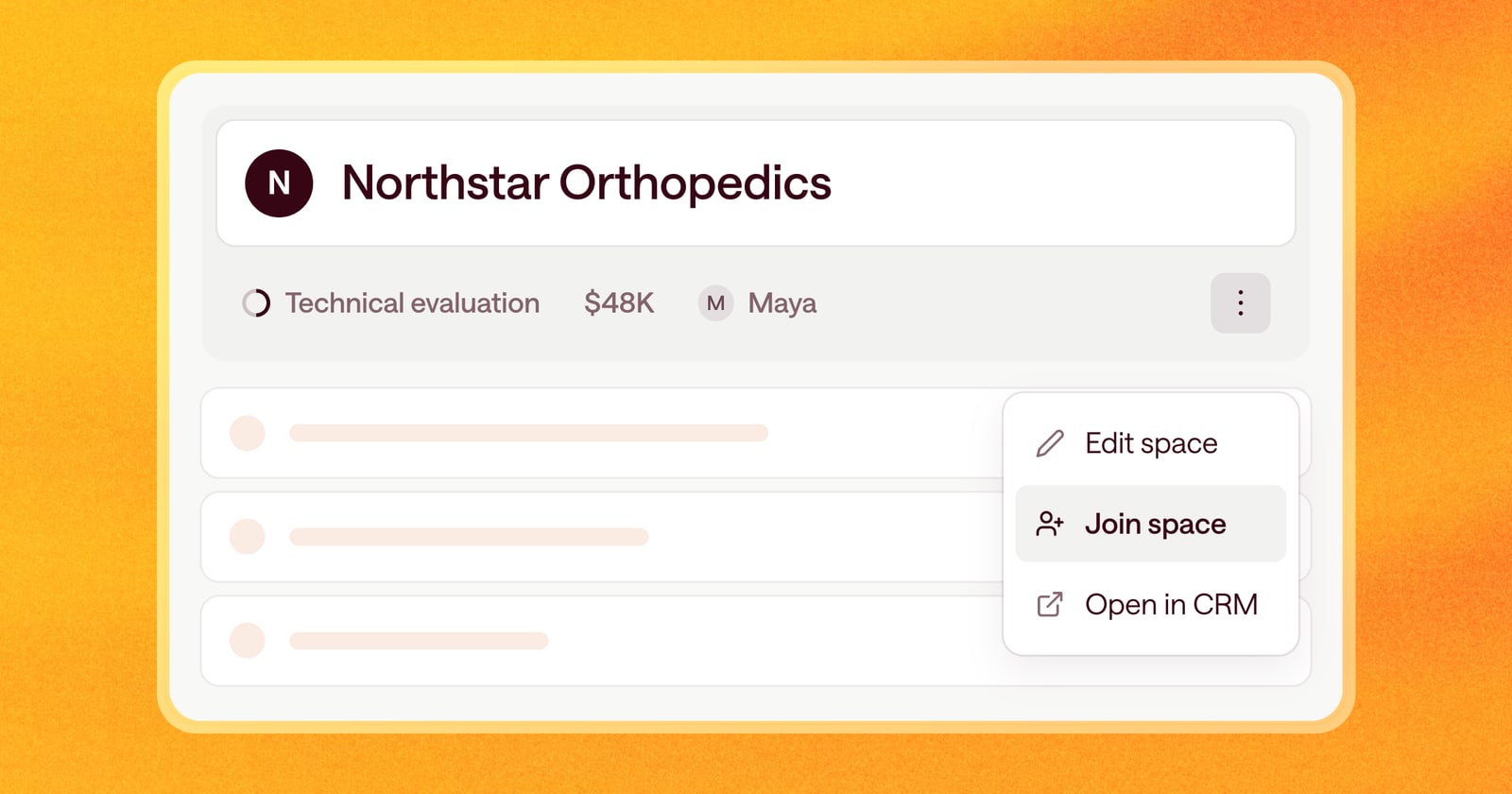
Open a deal’s space, click the three dots menu in the deal header, and choose Join space or Leave space. You’ll find the same option on deal cards.
You can’t leave a space you own. To hand off a deal, change its owner first.