

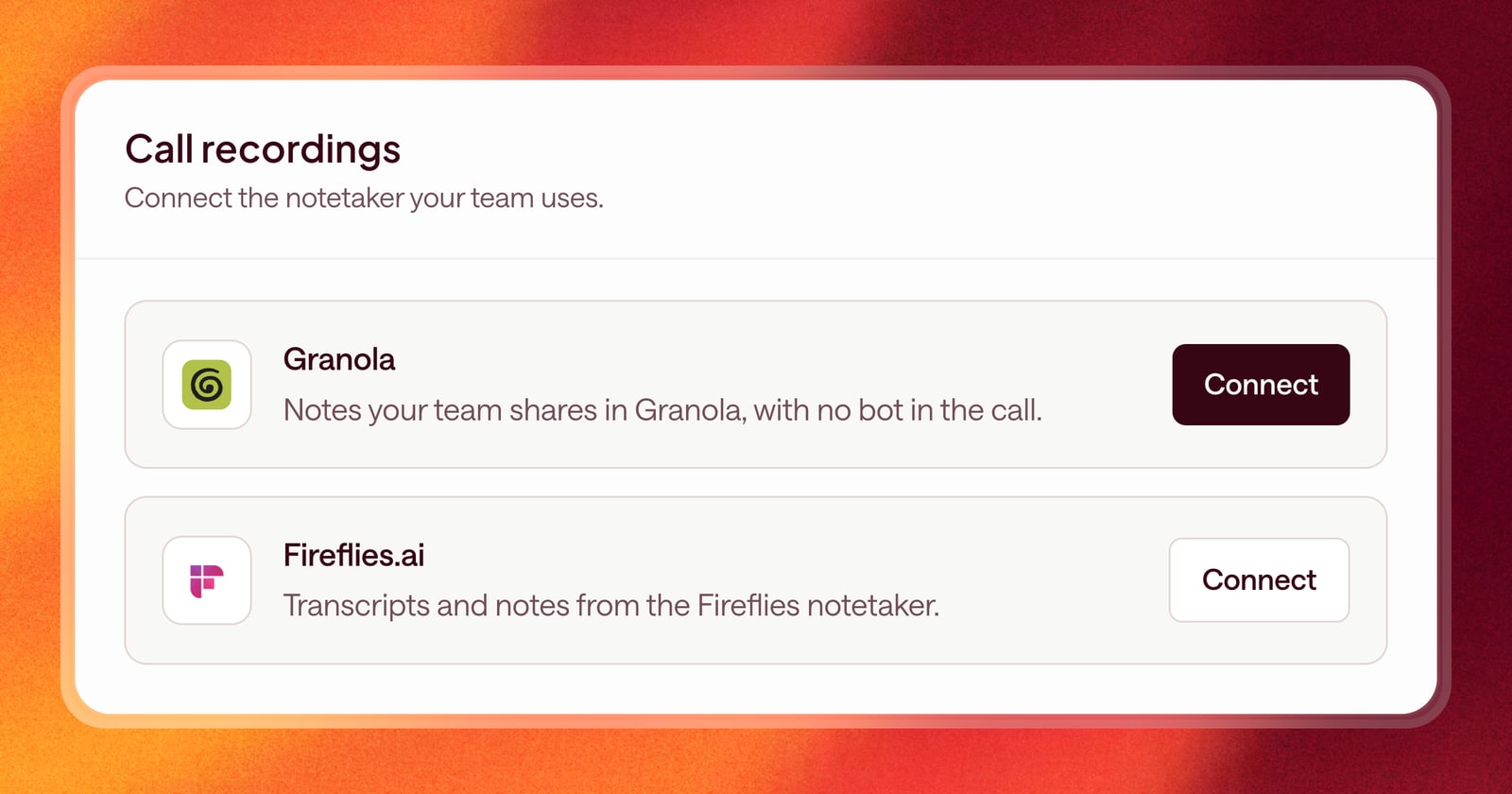
What gets said on a call is the most important input to a deal. The buyer’s real concern, the name of the person who signs, the date they need to go live. If Arrows can’t see it, it can’t plan around it.
This month, Arrows got better at seeing it in two ways: two new call recorders to add to your sales stack, and full transcripts instead of summaries.
Full transcripts, not just summaries
A summary is a short version of the call, and short versions leave things out. The offhand comment about a competitor. The second stakeholder who joined for five minutes. The exact words the buyer used to describe their problem.
Arrows now reads the full transcript of your calls, for everyone with a call recorder connected. Follow-up emails, CRM updates, and pre-call briefs are built from what was actually said, not a paraphrase of it.
Connect Granola
Granola takes notes without a bot joining the call. Now Arrows can read those notes.
Arrows connects to Granola with a workspace API key. You’ll need a Granola Business or Enterprise plan, and a Granola admin to create the key:
- Open the Granola desktop app.
- Go to Settings, then Connectors, then Workspace API keys.
- Click Create new key.
- Copy the key and paste it into Arrows.
The steps are also on the Granola connect page in Arrows.
Your private notes stay private. Arrows reads only the notes your team has shared in Granola. A note a rep keeps under My notes is never visible to Arrows.
Once connected, Arrows reads each call’s summary, transcript, and attendees, and files each call with the deal it belongs to.
Connect Fireflies.ai
If your team records calls with the Fireflies notetaker, you can connect it now too. Arrows reads each call’s summary, transcript, attendees, and a link to the recording, and files each call with the right deal.
What this looks like on a deal
Say you had a second call with a buyer, recorded in Granola. Halfway through, the buyer mentioned their CFO wants to see a business case before the end of the quarter.
The summary didn’t mention it. The transcript did. So Arrows can plan around it: a step in your Deal Gameplan to send the business case, with the email drafted and ready for your review.
Getting started
Open Connectors in Arrows and choose Granola or Fireflies.ai. For Granola, have a Granola admin create the workspace API key first. Calls start showing up on your deals once the connection is set.