

A lot of a deal never makes it into the CRM. The intro call booked straight from your calendar. The email thread where the buyer asked for pricing. The meeting with someone who isn’t a contact yet.
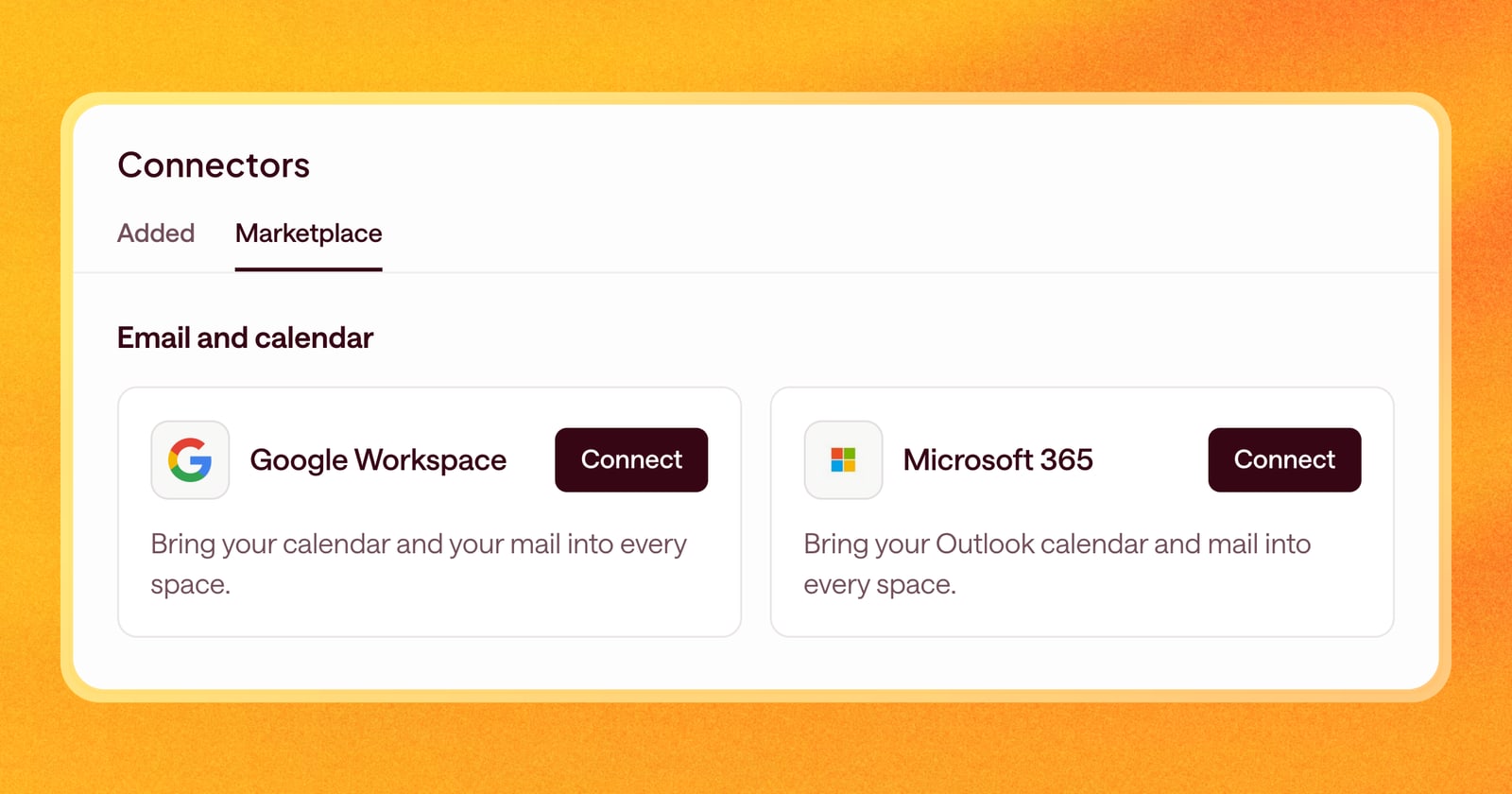
Until now, Arrows mostly saw a deal through your CRM. Starting today, every team can connect Google Workspace or Microsoft 365, so Arrows sees your calendar and email too, and you can send emails from Arrows.
What Arrows does with your account
When you connect Google Workspace or Microsoft 365, Arrows:
- Reads the events on your calendar, so each deal’s Arrows space knows what has happened on it and what’s coming up.
- Reads the sender, recipients, and subject of your emails, then opens the full email only when it belongs to a deal.
- Lets you send emails or create drafts from Arrows, through Gmail or Outlook.
See every meeting, not just CRM meetings
With your calendar connected, you see all of your meetings in Arrows, even ones that aren’t on a deal in your CRM yet. From a meeting, you can create a new space for the deal or add the meeting to a space that already exists.
That’s useful for first calls, which often get booked before anyone creates a deal in the CRM.
Send from the deal
Email drafts in a space now have a Send with Gmail or Send with Outlook button. The email goes out from your own account, so it shows up in your sent folder and the buyer’s reply comes back to you as usual.
If you’d rather finish it in your inbox, choose Create draft in Gmail or Create draft in Outlook instead.
An example
A prospect books a call through your scheduling link. There’s no deal in the CRM yet. The meeting shows up in Arrows anyway, and you create a space for it in a couple of clicks.
After the call, Arrows drafts the follow-up from what was said. You read it, make a small edit, and click Send with Gmail. Done, without opening another tab.
Each person connects their own account
Your calendar and inbox are yours, so every person connects their own Google or Microsoft account. If the email on the account you connect doesn’t match your Arrows email, Arrows shows a warning, so you don’t connect a personal account by mistake.
How to connect
Open Connectors in Arrows, choose Google Workspace or Microsoft 365, and sign in with your work account.