

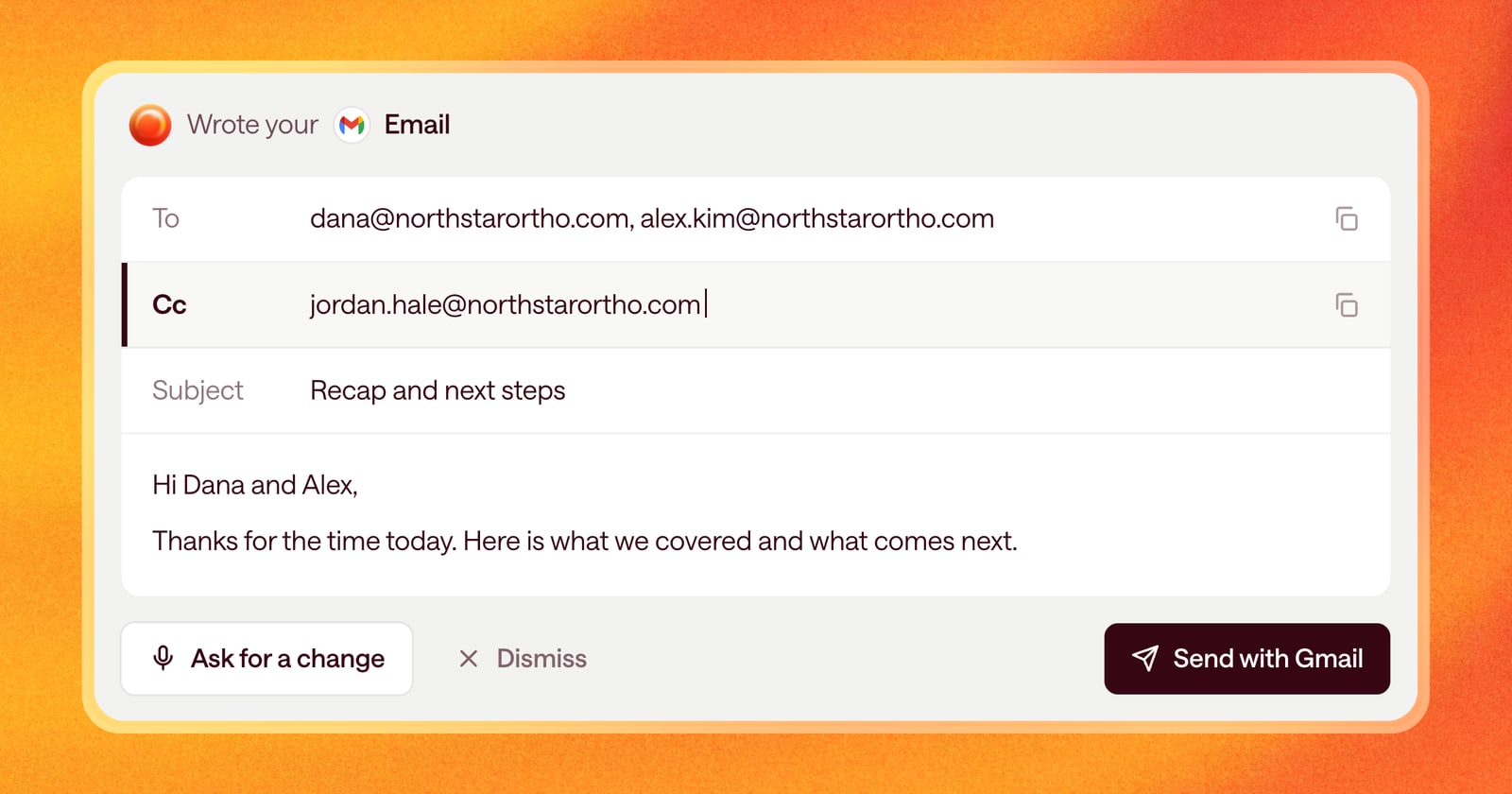
Deals aren’t sold to one person. A good demo might have a champion, their manager, and someone from IT on the call. Until now, Arrows drafted every email to a single recipient, so you had to add the rest of the group yourself before you sent it.
Starting today, Arrows drafts emails to several people at once and fills in a CC line when it makes sense.
What changed
Every email draft in Arrows now has two recipient fields:
- To: everyone the email is written for. Arrows can put more than one person here.
- Cc: people who should see the email but don’t need to act on it, like a manager or your own sales engineer.
Arrows picks recipients from what it knows about the deal, like who was on the meeting and who has been on the email thread.
An example
Say you just finished a demo with three people from the buyer’s side: the operations lead who found you, their VP (who joined for the last 20 minutes), and an IT admin who asked about single sign-on.
Before, Arrows wrote the recap to the operations lead, and you’d add the others by hand.
Now the draft can go to the operations lead and the IT admin, since both have next steps, with the VP on CC so they see the recap without being asked to do anything. You review the draft, change the recipients if you’d do it differently, and send.
Each field has a copy button, so if you send from somewhere else you can copy the recipients in one click.
Drafts without a recipient
Sometimes Arrows knows an email needs to go out but doesn’t know who it should go to yet. For example, your Agentic Playbook says to send pricing to the economic buyer, and nobody has said who that is.
Arrows now drafts the email anyway and leaves the “To” line empty. You fill it in when you know. Before, a missing recipient could lead Arrows to make a task instead of an email, or to address the email to you.
How to use it
There’s nothing to turn on. Open any email draft in a step of the deal’s Deal Gameplan and you’ll see the “To” and “Cc” fields at the top. To change who gets the email, edit the fields or ask Arrows, for example: “Add their CFO to this one.”
If you want Arrows to copy certain people by default, say so in your playbook, for example: “CC the deal’s sales engineer on every follow-up after a technical call.”