

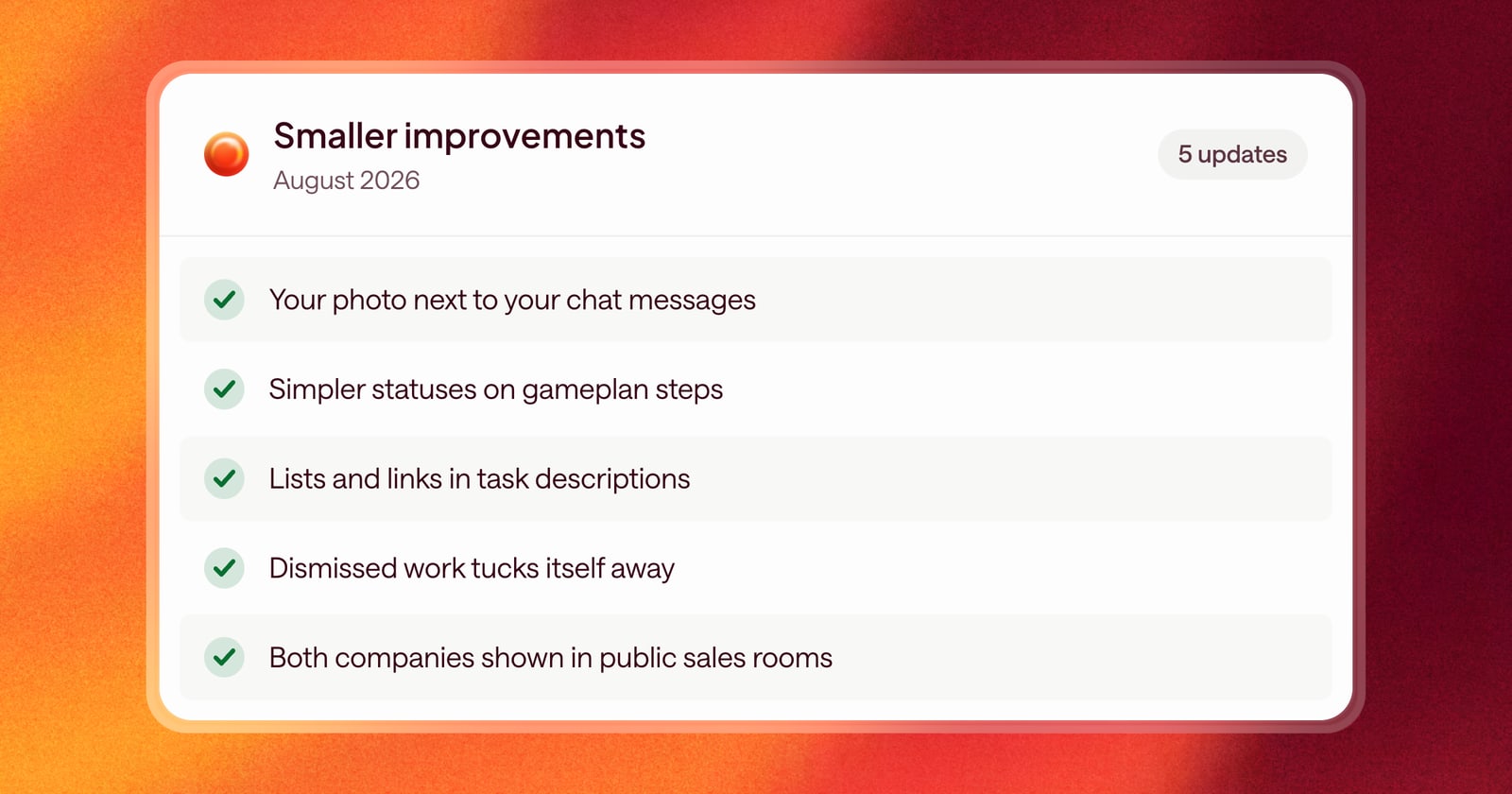
Alongside the bigger launches this month, here are the smaller changes that make Arrows a little easier to use every day.
Chat with Arrows
- Who said what: Chat now shows your photo next to your messages, and hovering over a message shows when it was sent and a button to copy it.
- Better answers about what it knows: Arrows now checks everything it knows about a deal more carefully before it tells you it does or doesn’t have some piece of information.
Gameplans and approvals
- Simpler step statuses: We removed the “waiting” status from steps in the Deal Gameplan, so each step’s status is easier to read at a glance.
- Formatted tasks: Task descriptions now show formatting like lists, bold text, and links, so longer instructions are easier to follow.
- Less clutter: Work you dismiss now collapses on its own, so it stays out of the way of what still needs you.
- Clear feedback: Short messages now pop up to confirm what just happened when you take an action.
Sales rooms
- Both companies, front and center: Public Sales Rooms now show both your company and your buyer’s company.
- More reliable rooms for buyers: We fixed a problem that could keep parts of a sales room from showing correctly for prospects.
Around the app
- Easier to find your tab: Browser tabs now show the name of the page you’re on, followed by “Arrows,” so you can find the right tab when you have several open.
- A new icon: The Arrows icon in your browser tab now switches to match light or dark mode.
- Consistent sign-in pages: The sign-in and other logged-out pages now match the look of the rest of Arrows.
- Safer playbook changes: You can’t archive an Agentic Playbook that’s part of your rules for when Arrows creates a space, so new deals don’t lose their playbook by accident.