

Plenty of sales teams run their pipeline in Attio. Until now, those teams couldn’t bring their deals into Arrows.
Now they can. Attio is available to every Arrows customer, alongside HubSpot, Salesforce, Pipedrive, Close, and Zoho CRM.
What Arrows does with Attio
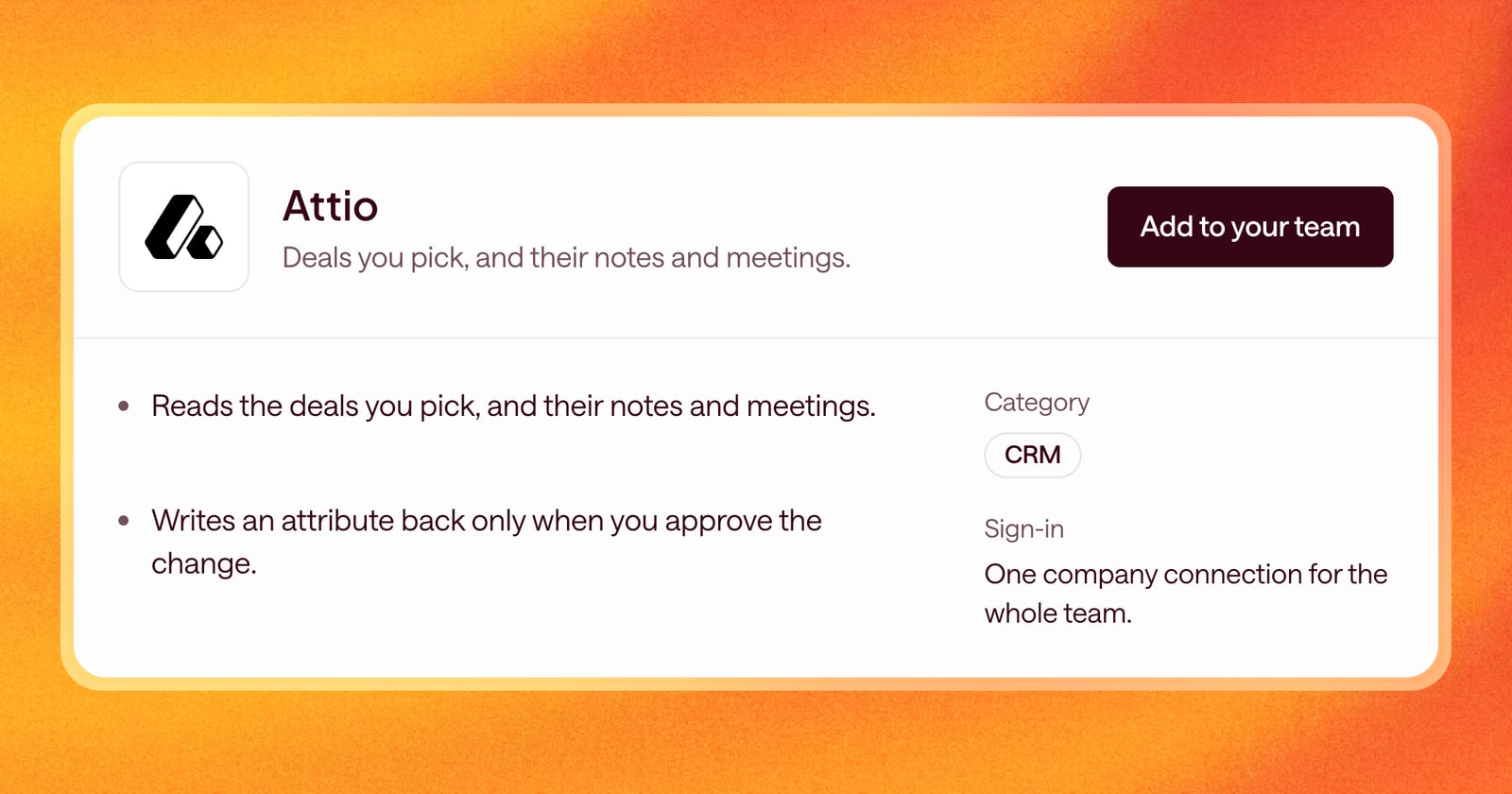
- Reads the deals you pick. You choose which deals Arrows works, and Arrows builds an Arrows space for each one.
- Reads their notes and meetings. So Arrows knows what has already happened on the deal, and what’s coming up.
- Writes back only when you say so. When Arrows prepares an update to a deal, like a new stage or next step, it’s written back to Attio only after you approve it.
You also choose which deal attributes Arrows can work with, so it stays inside the fields your team actually uses.
What you get
Everything Arrows does on other CRMs now works on Attio. Each deal gets a gameplan built from your Agentic Playbook. Arrows writes the follow-up emails and pre-call briefs from the deal’s history and has them ready for you to review in the Workspace.
How to use it
- In Arrows, open Connectors and choose Attio.
- Select Add to your team, then connect and sign in to Attio.
- Under Configure deal attributes, choose the fields Arrows can read and update.