

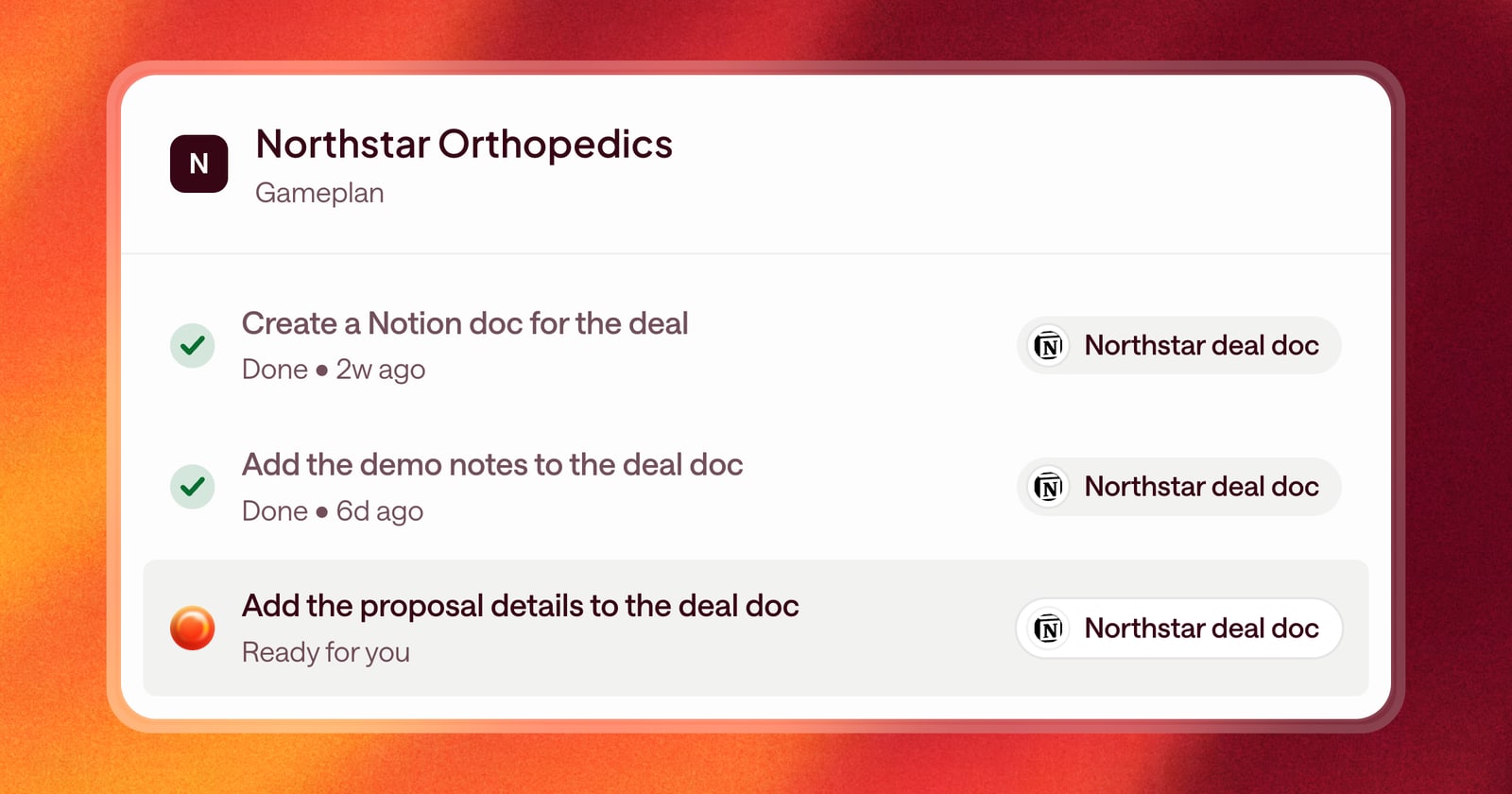
Since we connected Arrows to the rest of your sales stack, it can work in your other tools: create a Notion page, open a Linear ticket, look something up in your research tool. But a lot of sales work isn’t a one-time action. You create a deal doc after the first call, then keep it current through the whole cycle.
That only works if Arrows can find the doc again. Now it can.
How it works
When Arrows creates or reads something through a connected tool, it saves a reference to that item. Later, when your Agentic Playbook or a request in chat calls for that item again, Arrows already knows which one it is and goes straight to it.
No searching by name, no asking you for the link, and no second copy of a doc that already exists.
An example
Say your playbook includes this:
“After the first call, create a Notion doc for the deal with what we learned. Update it after every stage change.”
Here’s what happens:
- After the first call, Arrows creates the Notion doc with the buyer’s goals, the people involved, and next steps. It saves a reference to the doc.
- Two weeks later, the deal moves to proposal. Arrows uses the saved reference to open the same doc and adds the new details, like the pricing discussion and who signs.
- At close, it updates the doc one more time, so whoever picks up the account has the full story.
One doc, kept current for the life of the deal, without anyone having to track down where it lives.
Where this helps
Anywhere your process creates something outside your CRM that needs to stay up to date:
- A deal doc or account plan in Notion
- A handoff ticket in Linear or a similar project tool
- A record Arrows looked up in a research tool and needs to check again
Getting started
Connect the tool in Connectors and set what Arrows can do in it. Then add the step to your playbook, including when Arrows should come back and update the item. It handles the rest.