

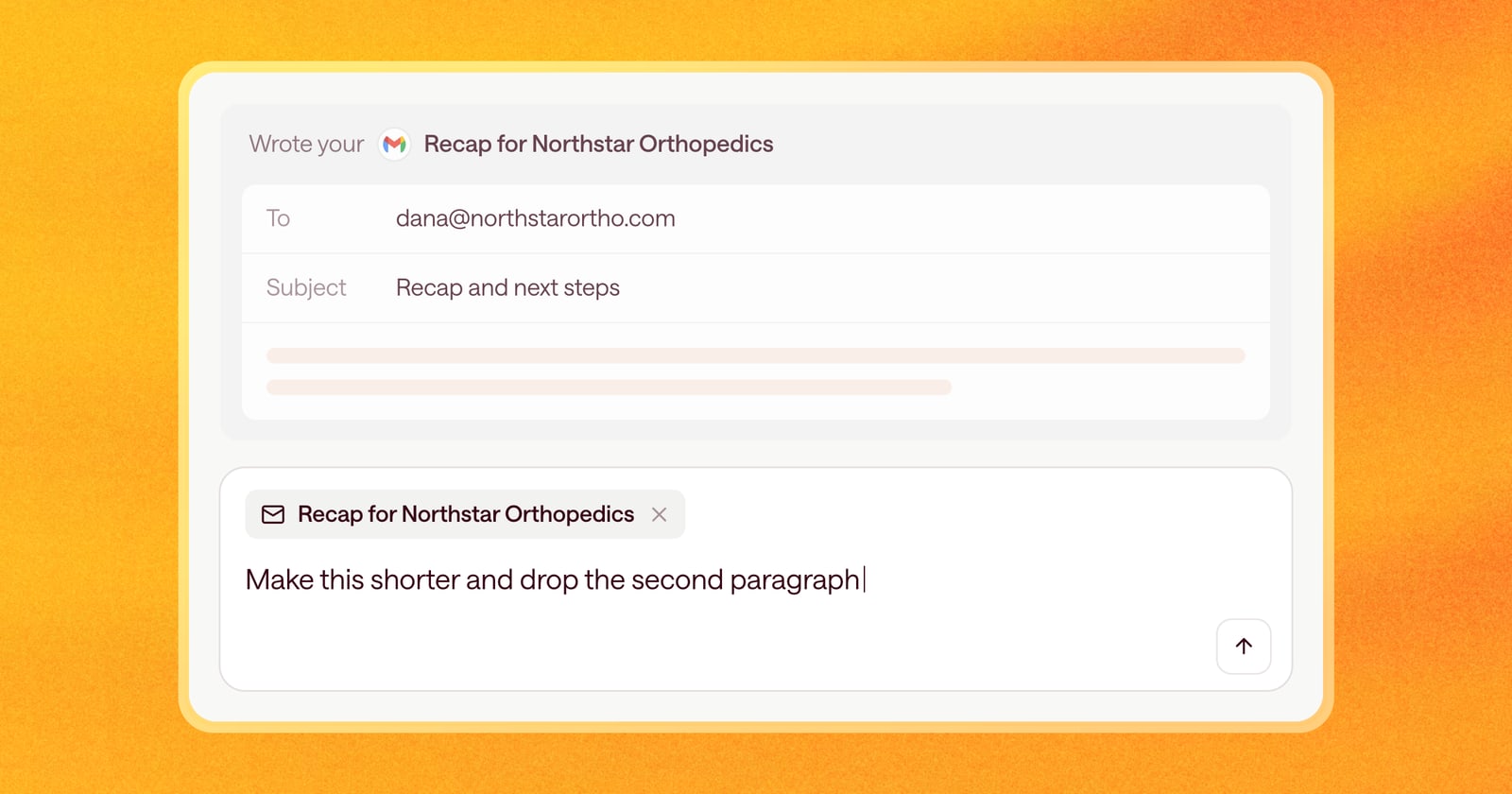
When you ask a teammate a question while you’re both looking at the same screen, you don’t explain which deal you mean. You point and ask.
Until now, Arrows didn’t get that context. If you were looking at a deal and asked “what did they say about budget?”, you sometimes had to name the deal, or Arrows had to guess.
Starting today, Arrows always knows which page you’re on when you ask it something.
What this means for you
You can ask questions and give instructions the way you’d say them out loud. “This deal,” “this email,” and “this step” now mean what you’re looking at.
A few examples:
- On a deal’s Arrows space: “What’s the biggest risk on this one?”
- Looking at a step in the Deal Gameplan: “Why is this step here?”
- Reviewing an email draft: “Make this shorter and drop the second paragraph.”
- On a Deal Overview: “Add the security review to the next steps.”
You don’t need to name the company, find the right step, or paste anything in. Arrows starts from the page you have open.
An example
Say you have two deals with companies that have similar names, and both have a call this week. You open one of them, look at the gameplan, and ask: “Did we ever send them the case study?”
Before, Arrows might have checked the wrong deal or asked you which one you meant. Now it knows you’re on that deal’s space, checks its emails and activity, and answers for that deal.
Why it matters
The fewer words it takes to ask for something, the more often you’ll ask. Small requests, like moving a date or tightening an email, now take one short sentence instead of a paragraph of setup.
It also means fewer wrong answers. When Arrows starts from the right deal, it reads the right emails, the right meetings, and the right notes.
How to use it
There’s nothing to set up. Open any page in Arrows, open the chat, and ask. If you want to ask about something else, like a different deal, just name it and Arrows will look there instead.