

“Does Tuesday at 2pm or Thursday at 10am work?” is one of the most common lines in a sales email. It’s also one of the easiest to get wrong. Offer a time you’re already booked, and you’re sending a correction before the buyer has even replied.
Now, when Arrows suggests times, it checks your calendar first.
How it works
When Arrows drafts something that proposes a meeting, like a follow-up after a demo or a nudge to book the next call, it looks at the calendar of whoever owns the deal’s Arrows space and finds open slots. The times in the draft are times you’re free.
You still review every email before it goes out. If you’d rather offer different times, edit the draft or ask Arrows for other options.
An example
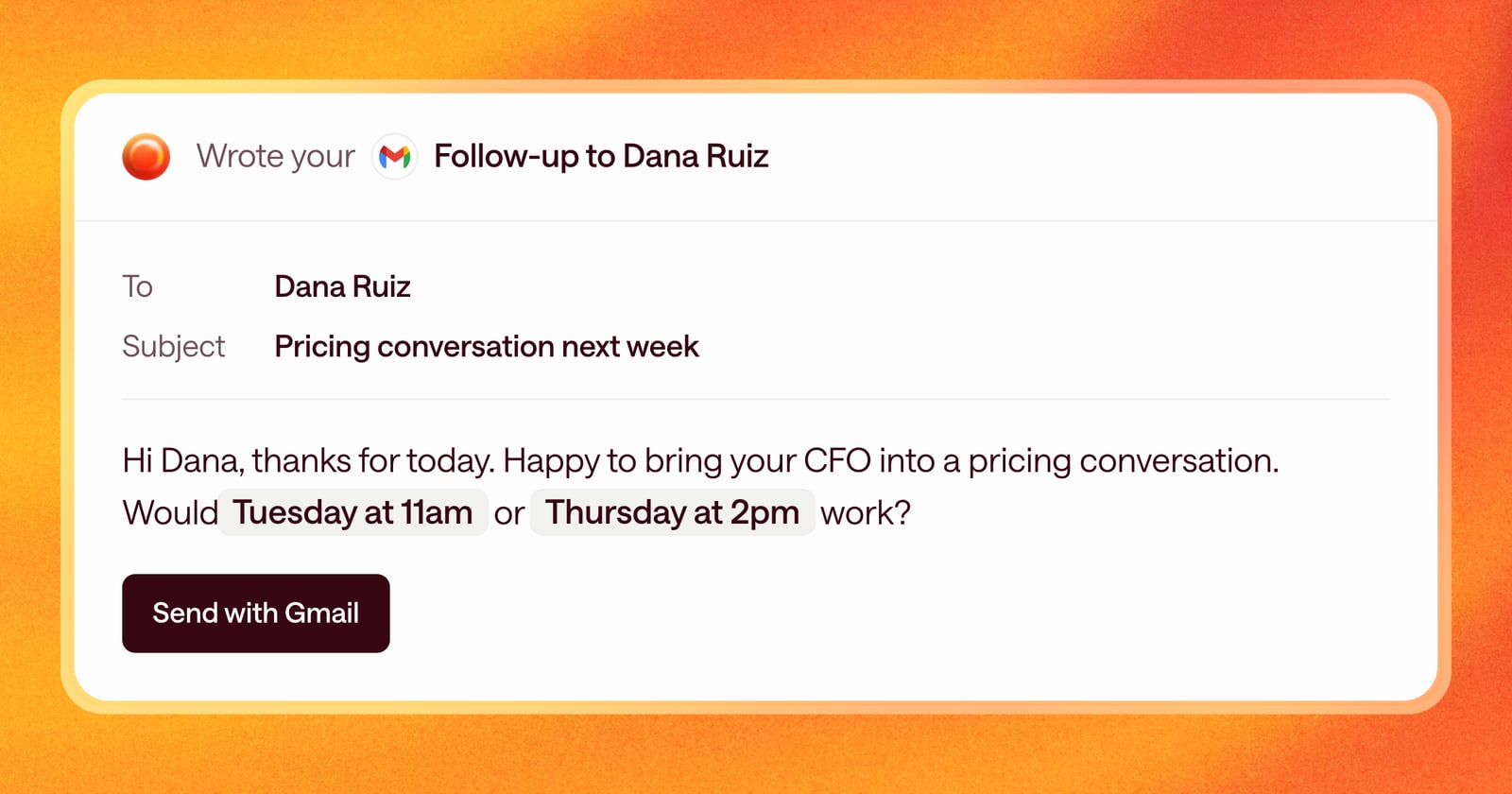
You finish a first call. The buyer says they’d like to bring their CFO to a pricing conversation next week.
Arrows drafts the follow-up with a recap and two suggested times. Before it does, it checks your calendar: Monday is full of internal meetings, and Wednesday afternoon has a block. So it offers Tuesday at 11am and Thursday at 2pm, the two open slots that fit.
You read the draft, it looks right, and you send it. No back-and-forth with your own calendar.
Why it matters
Speed matters right after a call. The buyer is still thinking about what you showed them, and the sooner the next meeting is on the calendar, the less likely the deal is to drift. A follow-up with two times that actually work is one the buyer can answer in a single reply.
It also saves you a step. You don’t have to open your calendar, find the gaps, and type them into the draft. Arrows has already done it, so reviewing the email takes seconds.
What you need
Arrows checks the calendar you connected, Google or Microsoft. If you haven’t connected yours, Arrows can’t see your availability.
Getting started
If your calendar is already connected, this is on. If not, open Connectors and connect your Google or Microsoft account. Then the next time Arrows proposes a meeting, it will start from your real availability.