
Which tool actually gives your team the best notes?
We tested 22 AI note-taking tools to see which ones delivered structured, usable notes out-of-the-box. No edits required.
Founder interviews + live demos
We interviewed the founders of today’s top AI notetakers to uncover what really makes them different: how they integrate with the CRM, what they automate, and why their tools work better (or worse) in real sales workflows.
Grain
 Watch the Grain deep dive
AI notetakers are everywhere. But which one actually fits the way you work?
In this series, we talk with the founders and CEOs behind the top AI notetaking tools to learn how they’re built, what they do best, and how they fit into real sales and CS workflows.
In this video, we dive into a conversation with Mike Adams, founder of Grain.
In this video, we talked about how Grain helps teams turn meetings into action. From structured notes to HubSpot automation to cross-meeting insights, Mike shared how the tool has evolved, what makes it different, and what they're building next.
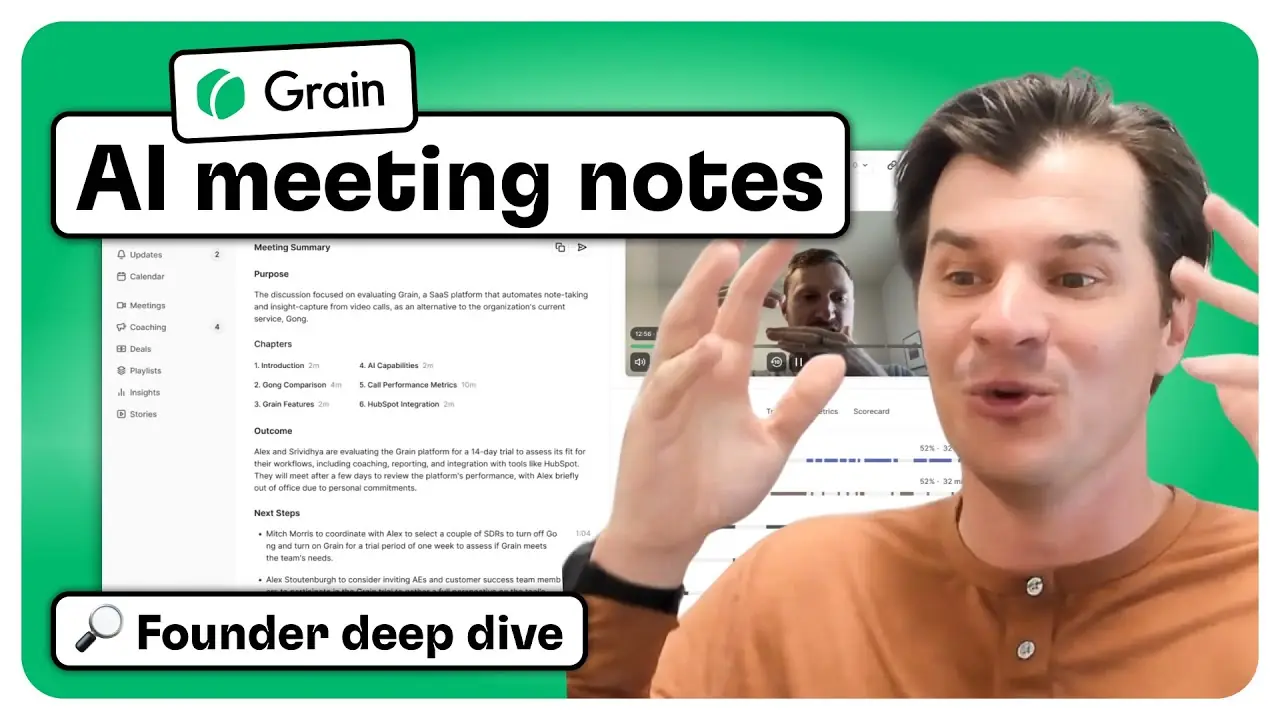
Meet Grain
Grain launched in 2018 to help teams get more value from their meetings. It started as a simple way to clip and share key moments, but has since grown into a full platform for turning conversations into structured, actionable data.
Today, Grain supports workflows across sales, customer success, and product teams. With support for frameworks like SPICED and MEDDIC, built-in coaching tools, and a deep HubSpot integration, Grain goes far beyond basic meeting notes.
Feature highlights
Grain generates structured summaries with key takeaways, action items, and detailed breakdowns by topic. Teams can also apply frameworks like SPICED or MEDDIC to automatically extract relevant sales insights from each meeting.
Teams can build their own note templates in Grain. These templates power summaries that reflect your internal processes, such as capturing customer pain points, goals, and objections.
Grain can automatically sync meeting summaries, SPICED analysis, and other structured data into HubSpot. You can choose to log it as a meeting or note. It also matches participants with HubSpot contacts and can create new records if needed.
Grain’s deal dashboard pulls in open deals from HubSpot and aggregates call insights across multiple meetings. This gives reps and managers a full view of pain points, risks, and next steps, even if they were mentioned weeks apart.
Grain includes scorecards to help managers leave coaching comments tied to specific call moments. Reps get structured feedback on things like qualification or rapport building, with links to specific clips for context.
Grain started with clips, and they’re still one of the best parts. It’s easy to pull highlights from calls and create shareable videos or internal “stories” to showcase things like feedback, objections, or feature requests.
Grain is SOC 2 Type II compliant and designed with strict privacy standards. Your meeting data belongs to you, and Grain doesn’t use customer data for model training.
Why Grain stands out
Grain feels like it was built by people who actually use it every day. It’s easy to get started, but flexible enough to adapt to your team’s workflow, whether you’re in sales, CS, or somewhere in between.
What makes it different:
→ Custom templates you can tweak to match your process (SPICED, MEDDIC, or your own)
→ Deal insights that pull from multiple meetings to show a full picture, not just a one-off call
→ Coaching features that let managers leave feedback tied to exact moments in the call
→ Simple setup, affordable pricing, and a product that’s genuinely easy to use
One thing we loved: Grain’s “Ask” feature lets you query your meeting history like a second brain. It surfaces insights across your deals, not just one meeting at a time.
Try Grain for yourself
If you want to explore Grain’s AI notetaking and HubSpot workflows firsthand, you can sign up for free. It’s built for teams, easy to get started, and flexible enough to fit into your existing sales or CS process.
Circleback
 Watch the Circleback deep dive
In this series, we talk with the founders and CEOs behind the top AI notetaking tools to learn how they’re built, what they do best, and how they fit into real sales and CS workflows.
In this video, we got into a deep dive with Ali Haghani, founder of Circleback.
Watch to see how Circleback stands out with structured meeting summaries, flexible workflows, and a fast, polished product experience.
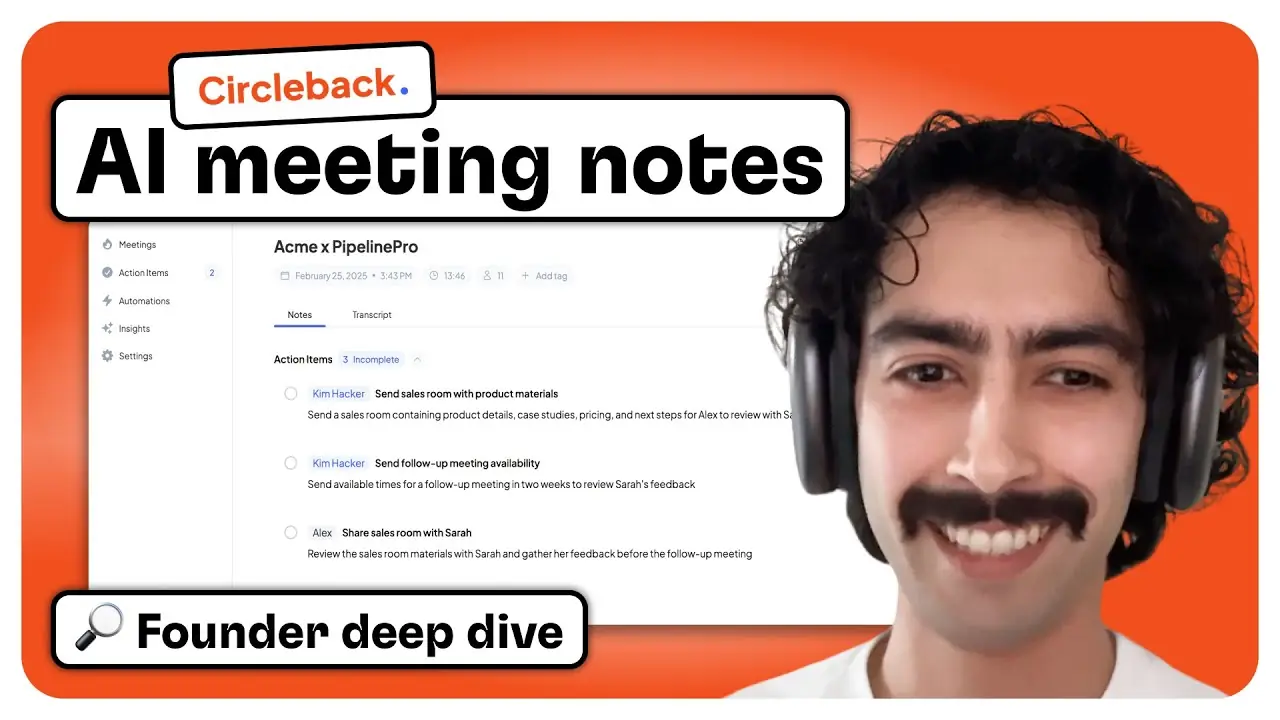
Meet Circleback
Circleback was founded in 2023 by Ali Haghani and his cofounder, who left their engineering jobs to solve a problem they’d seen firsthand: important meeting context was getting lost across teams. They built Circleback to make conversations easier to capture, summarize, and act on - not just for individuals, but across entire organizations.
The product prioritizes speed, accuracy, and clarity. From clean notes and clear action items to structured outcomes and powerful automations, Circleback helps teams get more out of every meeting. Today, it's a fast-moving team backed by Y Combinator and focused on building a tool that fits naturally into how you already work.
Feature highlights
Circleback captures meetings with a clean structure: overview, discussion topics, and clearly assigned action items. It pulls out specifics like exact dates, dollar amounts, and goals. Everything is editable in the interface, so teams can make quick updates without switching tools.
You can capture conversations across any meeting type. Circleback can join Zoom, Meet, or Teams calls, record in-person conversations using the mobile app, or analyze uploaded files like Zoom recordings or voice memos.
Ask questions like “How is Sarah using Circleback?” and get a direct answer, including the exact moment in the meeting where it was discussed. You can also search by participant email, company domain, or meeting title to quickly find relevant calls.
Define exactly what you want to capture. Circleback can pull data like company name, employee count, or product feedback from meetings and display it in structured tables. Each data point links to the meeting moment where it was mentioned.
You can set up rules based on tags, participants, or meeting names. Automations can post notes and insights to Slack, push updates to HubSpot, or share meetings with teammates automatically, based on your own logic.
Meetings are private by default. Even admins cannot view them unless they are explicitly shared. You can set team-wide data retention rules and choose whether to store recordings at all. Circleback gives users full control over what’s kept and what’s deleted.
Automations and workflows can be built once and shared with the entire team. This makes it easy to enforce consistency across departments without requiring every user to manually tag or organize their meetings.
In addition to HubSpot and Slack, you can connect Circleback to other tools through Zapier, Make, or custom webhooks. These integrations give you full access to notes, transcripts, action items, and meeting metadata.
Why Circleback stands out
Circleback is one of the cleanest tools we tested. The notes are sharp, detailed, and actually useful. It was one of only three tools that made our top picks for best out-of-the-box meeting notes.
What makes it different:
→ Notes highlight specific numbers, dates, and goals from the call so nothing gets lost
→ Automations route insights and action items to Slack, HubSpot, or your CRM based on meeting type
→ Works across Zoom, in-person meetings, phone calls, and imported recordings
→ Recordings and notes stay private by default, with flexible sharing and retention settings
One thing we loved:
You can define the exact insights you want extracted from calls, like customer size or goals, and Circleback will automatically pull that data into a structured format after every meeting.
Try Circleback for yourself
Circleback makes it easy to get started. You can capture your next Zoom, in-person, or phone call in just a few minutes. Start your free trial →
CustomerIQ
 Watch the CustomerIQ deep dive
In this series, we talk with the founders and CEOs behind the top AI notetaking tools to learn how they’re built, what they do best, and how they fit into real sales and CS workflows.
In this video, we dive into CustomerIQ with founder Sean Steigerwald.
Watch to see how CustomerIQ automates CRM updates, writes follow-ups in your voice, and keeps sellers focused on selling instead of admin work.
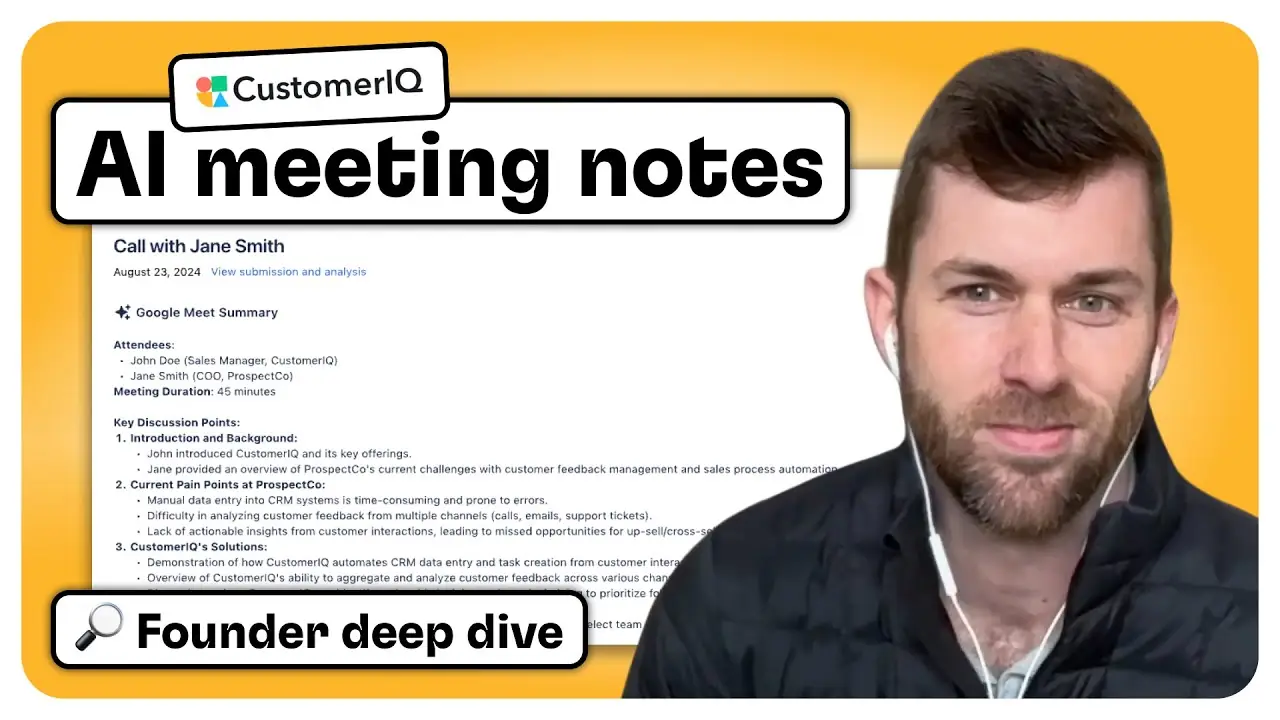
Meet CustomerIQ
CustomerIQ was founded by Sean Steigerwald and his co-founder in 2023 to help sales and success teams spend less time on admin work. Instead of just summarizing meetings, it automatically updates your CRM with the context that matters like pain points, industry, next steps, and qualification data.
It pulls insights from calls, emails, and even in-person meetings, and syncs them directly to HubSpot properties across contacts, companies, and deals. It can also draft follow-up emails in your voice using what was actually said.
If your team lives in HubSpot, CustomerIQ is built to keep it up to date without manual work.
Feature highlights
CustomerIQ offers one of the deepest HubSpot integrations you'll find. You can map custom fields across contacts, companies, and deals, and CustomerIQ will auto-fill those properties based on meeting and email content.
The tool doesn’t just summarize meetings. It identifies context like industry, pain points, budget, timeline, and more, then updates the right fields in HubSpot automatically, even if you use custom dropdowns, multi-selects, or text fields.
After meetings or inbound emails, CustomerIQ drafts personalized replies using your tone and relevant context. Responses include links, meeting recordings, and answers to questions, pulled directly from from your notes and content library.
Meetings are summarized into clean, structured notes with clickable timestamps. CustomerIQ also highlights objections, questions, competitor mentions, and other key call moments automatically.
Tasks and action items are pulled from meetings and synced to HubSpot as part of the CRM record. These can also trigger reminders or automations.
CustomerIQ tracks what’s said across calls, emails, and in-person meetings. It builds a shared memory of each contact, account, and deal to keep follow-ups accurate and proactive.
Why CustomerIQ stands out
CustomerIQ is focused on eliminating the repetitive admin work that slows down sales and CS teams. Meeting notes are just one part of the picture, but what really makes CustomerIQ stand out is how deeply it integrates with HubSpot to automatically update properties, draft emails, and keep your CRM clean without manual effort.
What makes it different:
→ Maps directly to your actual HubSpot properties and updates them in real time after calls
→ Automatically fills in contact, company, and deal details—like industry, timeline, and pain points
→ Syncs tasks and notes into HubSpot, including call summaries and extracted highlights
→ Writes follow-up emails in your tone and preloads them into your inbox after meetings
One thing we loved:
CustomerIQ doesn’t stop at meeting notes. It keeps your CRM and inbox organized automatically so reps can focus on higher-impact work.
Try CustomerIQ for yourself
CustomerIQ offers a free trial with usage-based credits, so you can explore the full product without a time limit. If you're a HubSpot user looking to automate CRM updates and email follow-ups, it’s worth checking out.
Visit customeriq.com to sign up or book a demo to see how it works.
Bluedot
 Watch the Bluedot deep dive
In this series, we talk with the founders and CEOs behind the top AI notetaking tools to learn how they’re built, what they do best, and how they fit into real sales and CS workflows.
In this video, we got into a deep dive with Ruslan Halilov, founder of Bluedot.
Watch to see how Bluedot stands out with fast call recording via Chrome extension, customizable templates for any use case, and a unique collection-based system for organizing and sharing recordings.
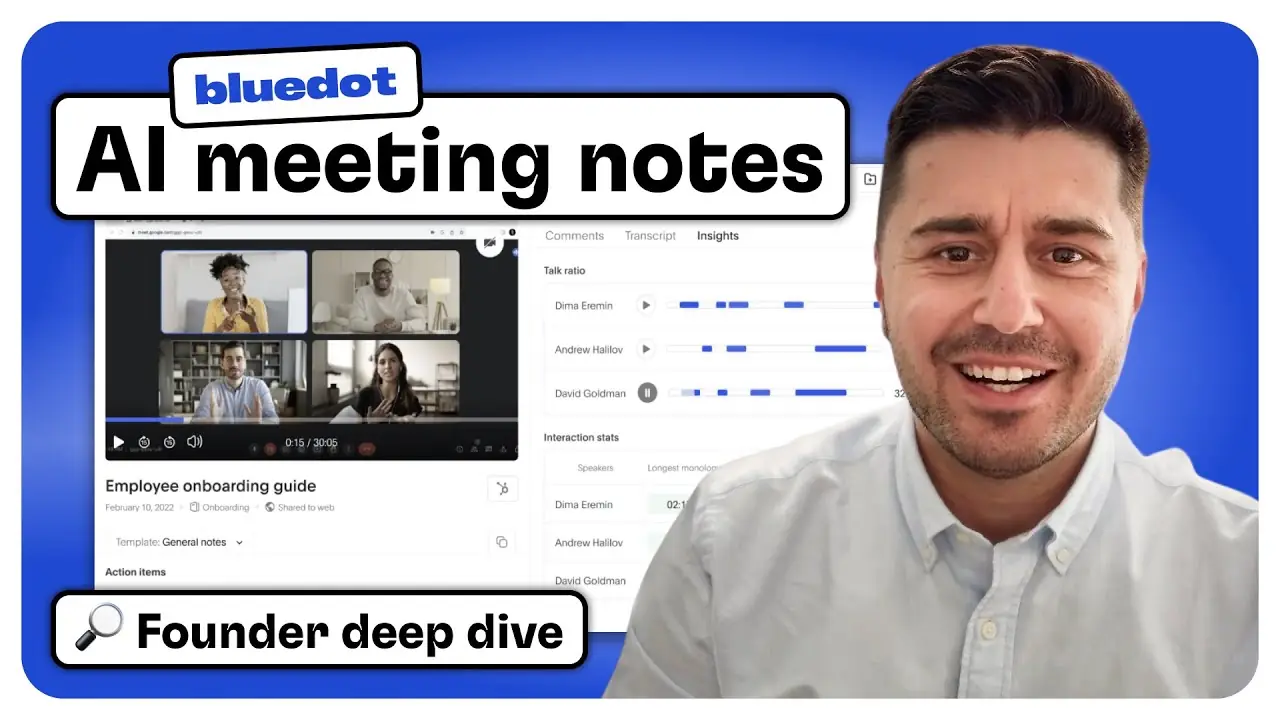
Meet Bluedot
Bluedot was founded by Ruslan Halilov after running a recruiting agency where capturing and sharing insights from client and candidate calls was a constant pain. The team started building the product in 2021 and officially launched a year and a half ago.
Since then, Bluedot has grown to over 1,500 customers globally. Their focus has been on making a fast, flexible notetaking tool that works without the bloat of bots or unnecessary steps.
What makes Bluedot unique is how it captures and organizes calls using a Chrome extension instead of a bot. That means no waiting, no awkward join messages, and faster access to recordings and summaries. It’s also one of the few tools that works just as well for screen recordings, async videos, and meeting notes, so you’re not juggling multiple tools across your team.
Feature highlights
Bluedot uses a Chrome extension to record meetings—no bots, no delays, no awkward join messages. You can start recording instantly, choose audio or video, and even pause mid-call when needed.
Users can create their own AI note templates using plain-text prompts. Whether you’re running a sales call, interview, or customer check-in, you can tailor summaries to fit your process—including MEDDIC, SPICED, or even email follow-ups.
After a meeting, you can generate a personalized email with next steps, questions, and content discussed, ready to copy and send. Bluedot pulls in context like pricing slides or competitor mentions automatically.
Bluedot isn’t just for meetings. You can also record your screen Loom-style, with all video recordings saved and searchable in one place.
Once connected, Bluedot automatically syncs your customized meeting summaries to the associated contact, company, or deal record in HubSpot. You can define the format using your own template and it populates automatically.
By default, all recordings are private. You choose who to share with, either by email invite or team collections. Data is stored in the EU (Frankfurt), encrypted, and GDPR-compliant.
Why Bluedot stands out
Bluedot is built for teams that care about speed, structure, and control. It’s especially useful for Google Meet users, offering a smoother recording experience than most other tools.
What makes it different:
→ Recording is handled through a Chrome extension, so there are no bots joining your calls and you can pause anytime
→ Fully custom note templates let you define exactly what should be pulled from each meeting, using your own prompts
→ Automatically drafts post-meeting emails with personalized context, links, and next steps
→ Collections, permissions, and automations make it easy to organize recordings and control access
→ Built-in screen recording makes it simple to capture walkthroughs, demos, and async updates
One thing we liked:
Bluedot is one of the few tools purpose-built for Google Meet. If that’s your primary meeting platform, the setup and recording are faster, more stable, and less disruptive than tools that rely on bots.
Try Bluedot for yourself
You can get started with Bluedot at bluedothq.com. There’s a free trial and no setup delays. Just install the Chrome extension, connect your calendar, and start recording your next Google Meet.
Fathom
 Watch the Fathom deep dive
In this series, we talk with the founders and CEOs behind the top AI notetaking tools to learn how they’re built, what they do best, and how they fit into real sales and CS workflows.
In this video, we dive into Fathom with founder and CEO Richard White.
Fathom ranked #1 for note quality in our test of 22 AI notetakers 🏆
Watch to see how Fathom delivers high-quality meeting summaries in seconds, powers deal-level insights, and integrates deeply with HubSpot to automate CRM updates.
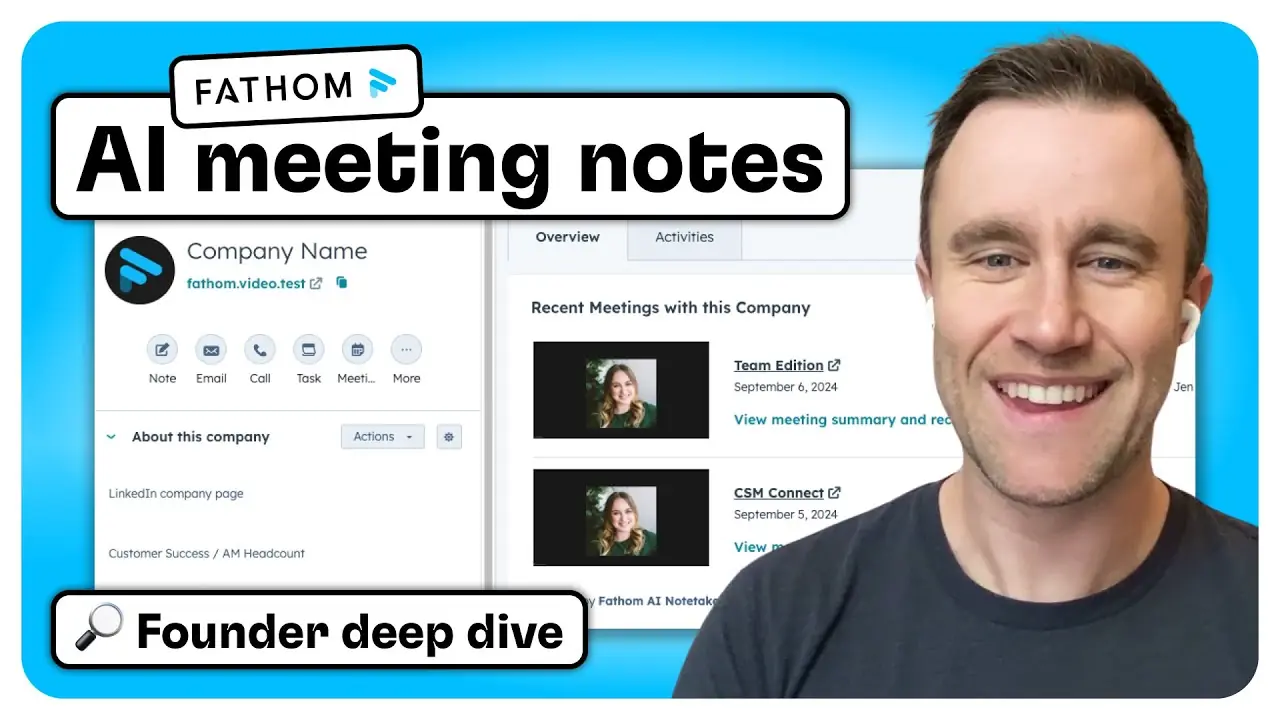
Meet Fathom
Fathom was founded to solve a common problem: we all want to focus on the conversations we're having, but we still need high-quality notes to share with our teams and keep our CRM up to date.
What started as a user research tool quickly became one of the most popular AI notetakers for sales and CS teams. With a generous free tier, fast summaries, and strong HubSpot integration, Fathom helps teams capture, organize, and act on customer conversations without jumping between tools.
It’s also the fastest-growing app in the HubSpot ecosystem, with more than 15,000 companies using Fathom as their AI notetaker 🥳
Feature highlights
Structured, high-quality summaries
Fathom delivers clean, skimmable notes within 30 seconds of your call ending. Notes are fully clickable, so you can jump directly to any moment in the recording.
Customizable templates
Choose from predefined templates (like SPICED or general purpose), or customize your own with sections and structure that match your team’s workflow. Fathom will use your preferences going forward.
Deal-level insights and summaries
Fathom doesn’t just summarize individual calls, it can summarize all the calls across the entire deal. It pulls themes, pain points, and decision criteria across all meetings to generate a single view of the opportunity.
Ask Fathom: AI assistant for your meetings
Ask questions like “Did we offer a discount?” or “What objections came up?” and Fathom will find the answer across all recorded meetings. Links take you straight to the moment in the call.
Slack-style clip sharing
Instead of sharing full recordings, grab short highlight clips and share them in Slack or email. Perfect for surfacing key moments without sending a 30-minute video.
Robust HubSpot integration
Meeting summaries, tasks, and CRM fields sync directly to HubSpot. You can map key note sections to custom properties, view synced meetings in the HubSpot middle panel, and get a full timeline of conversations without leaving the CRM.
Why Fathom stands out
Fathom is focused on accuracy, speed, and usability. It gets you high-quality notes quickly, and it gives you full control to customize the experience across meetings, teams, and workflows.
It also has one of the most passionate user communities we’ve seen—Fathom has a cult-like following for a reason. Users consistently rave about the product, and the team’s attention to detail shows up in every interaction.
What makes it different:
→ Meeting notes are returned in 30 seconds, with reliable structure and clarity
→ Notes are clickable and linked to transcripts for fast context
→ HubSpot integration includes CRM cards, custom property mapping, and deal summaries
→ “Ask Fathom” lets you search across entire deals using natural language
→ Built-in security controls for redaction, access, and retention, plus SOC 2 and HIPAA compliance
One thing we loved:
Fathom’s notes are incredibly concise - truly the best we’ve seen across any tool we tested. In our opinion, it's one of the biggest reasons they’ve seen so much success. It’s clear the team has invested heavily in note quality, and it shows.
Try Fathom for yourself
Fathom offers a robust free plan, so you can get started right away. Record meetings, get fast AI summaries, and sync everything to HubSpot without limits on time or trials. Visit fathom.video to sign up!
Fellow
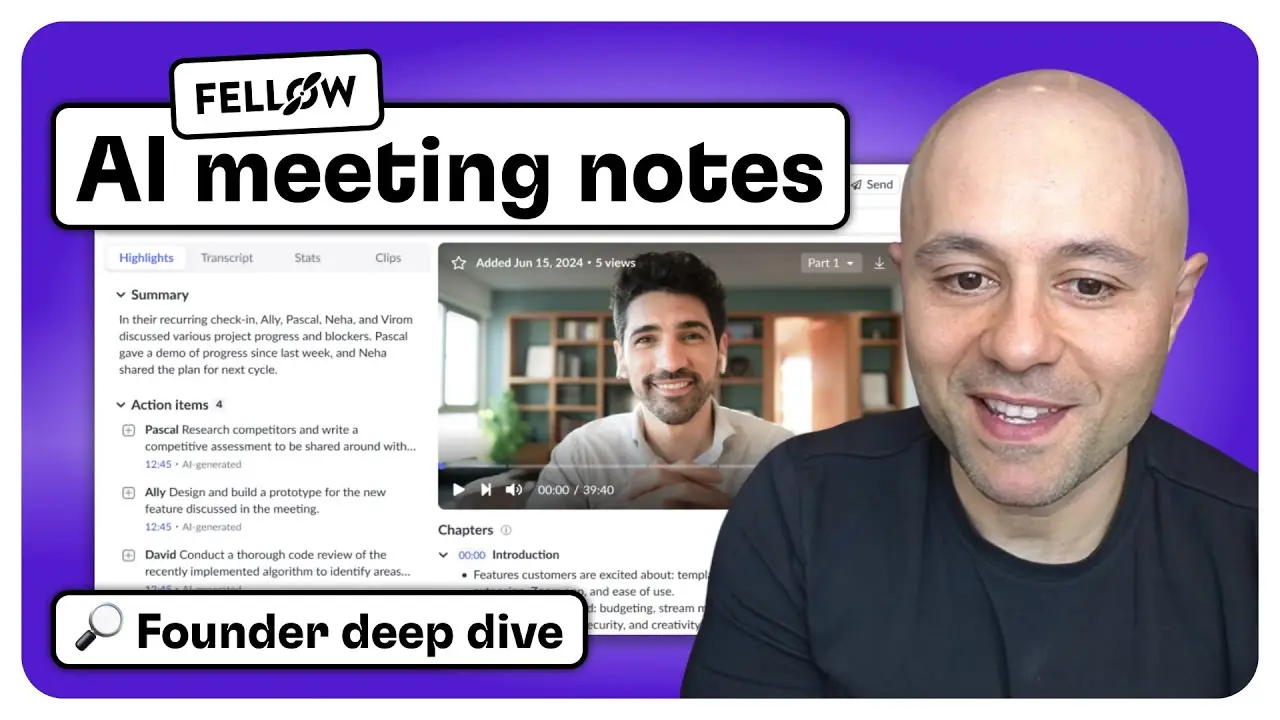
 Watch the Fellow deep dive
In this series, we talk with the founders and CEOs behind the top AI notetaking tools to learn how they’re built, what they do best, and how they fit into real sales and CS workflows.
In this video, we dive into Fellow with co-founder Aydin Mirzaee and Senior Product Manager Shannon Lochead.
Watch to see how Fellow supports everything from 1:1s to sales calls with flexible AI notes, CRM sync, and enterprise-grade privacy controls.
Meet Fellow
Fellow launched its original product in 2019, well before AI became standard in meeting tools. From the beginning, the team focused on helping companies run better meetings by supporting prep, live collaboration, and follow-ups. As AI tools emerged, Fellow rebuilt parts of the product to support note capture and full meeting workflows.
Fellow takes an all-in-one approach to meeting management. It’s built to support every kind of meeting, including one-on-ones, customer interviews, QBRs, and internal syncs. Teams of all sizes use Fellow, including organizations with more than 10,000 users.
With built-in meeting templates, customizable recaps, secure recording, and integrations with tools like HubSpot, Salesforce, Asana, and ClickUp, Fellow fits into a wide range of team workflows while giving users control over data and privacy.
Feature highlights
One tool for all your meetings
Fellow helps you prep, record, summarize, and follow up on every type of meeting. It’s designed to be flexible across use cases, while giving you control over what gets shared and where.
AI summaries built to replace rewatching
Fellow’s summaries are written so clearly you often won’t need to watch the recording. Templates can be customized by meeting type or sales methodology, and are easy to adjust across your team.
Ask Fellow: AI insights across meetings
Ask questions like “What objections came up last week?” or “What did the customer say about pricing?” and Fellow will pull answers from across your meeting history with links to exact call moments.
HubSpot and task manager sync
Meeting notes and action items sync automatically into HubSpot and tools like ClickUp, Asana, and Notion. Reps can update fields without manual entry.
Privacy features and compliance support
Redact parts of a call. Pause recordings mid-meeting. Control visibility by meeting type or role. Fellow also supports HIPAA compliance and advanced retention settings.
Built-in coaching and feedback
Managers can track keywords like objections or competitor mentions, leave time-stamped comments, and use Fellow to support rep development across all calls.
Why Fellow stands out
Fellow is one of the most privacy-conscious tools in this space. It’s designed from the ground up to work across your entire organization, not just in a sales context. That means it needs to be trustworthy, configurable, and secure.
What makes it different:
→ Privacy controls like off-the-record toggles and redaction
→ Flexible meeting templates and internal sharing controls
→ Notes and tasks sync to most of the tools you already use, not just your CRM
→ Ask Fellow works across meetings to surface key insights
→ Used by organizations with thousands of users
One thing we loved:
The privacy features are exceptional. You can control how AI is used, pause or redact recordings, and share only what’s needed. It’s rare to see a tool with this level of flexibility and care for how data is handled.
Try Fellow for yourself
Fellow offers a generous free plan so you can start using it across your meetings right away. If you care about privacy, clarity, and saving time across your team, it’s worth checking out. Visit fellow.app to get started or book a demo.
UpdateAI
 Watch the UpdateAI deep dive
In this series, we talk with the founders and CEOs behind the top AI notetaking tools to learn how they’re built, what they do best, and how they fit into real sales and CS workflows.
In this video, we dive into UpdateAI with founder and CEO Josh Schachter.
Watch to see how UpdateAI helps revenue teams turn customer conversations into structured notes, stakeholder profiles, and automatically discovered themes, fully integrated with HubSpot
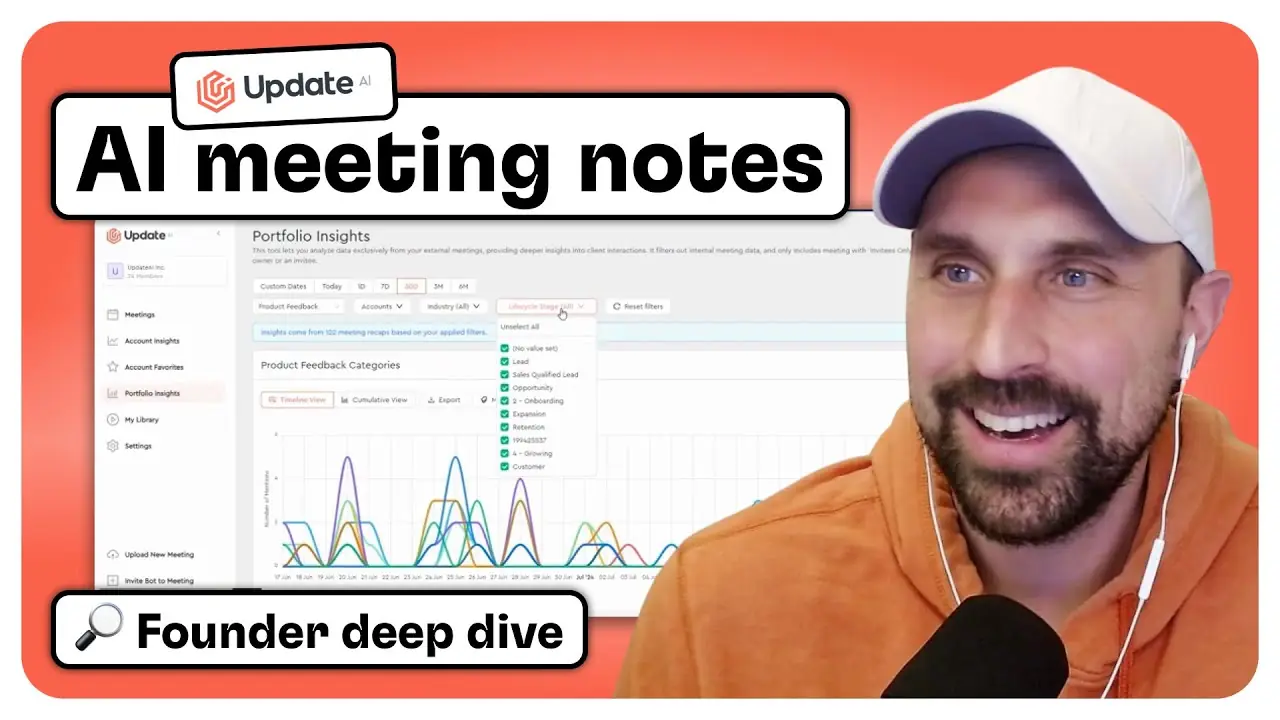
Meet UpdateAI
UpdateAI was designed for customer-facing teams navigating nonstop meetings and growing account lists. From the beginning, founder Josh Schachter focused on making it easier to capture and organize insights from those conversations, starting with customer success teams and quickly expanding across the full revenue org.
The product begins with fast, structured meeting recaps, but the value doesn’t stop there. UpdateAI automatically generates stakeholder profiles, rolls up themes across accounts, and helps teams track risks, feedback, and opportunities without extra manual work. With a native HubSpot integration, those insights get pushed straight into your CRM, keeping sales, CS, marketing, and product teams aligned.
Feature highlights
Structured notes your team will actually read
No long paragraphs to sift through. UpdateAI gives you clean, bullet-style recaps with action items, risks, product feedback, and decisions, organized the way customer-facing teams actually work.
Stakeholder profiles, without the guesswork
Every contact gets a smart profile with inferred decision-maker status, communication style, and past asks. Great for smoother handoffs and more relevant follow-ups.
Themes across accounts, with zero setup
UpdateAI spots patterns across your customer base, like recurring product requests or churn signals, and clusters them automatically. No manual tagging or tracker setup required.
Plug in your sales or success framework
Use MEDDIC, SPICED, or your own format. UpdateAI fills in the details from the call and syncs them straight into HubSpot or Salesforce. Notes stay consistent and useful.
Follow the topics that matter most
Subscribe to things like pricing objections or feature gaps. Get a stream of relevant clips as they come in, perfect for product, marketing, and enablement teams.
Control what you share (and who sees it)
Create shareable recaps and clips with flexible permissions. You can restrict by email, set expiration dates, and toggle which details are visible.
Why UpdateAI stands out
UpdateAI was originally built for customer success teams, and you can tell. It’s packed with features that help CS teams track what’s happening across customer conversations, spot risks early, and share insights with the rest of the business. Over time, it’s expanded to support other use cases, from sales to onboarding to account management. But that original CS focus means the depth of customer-specific insight and structure here is stronger than what we’ve seen in almost any other tool.
What makes it different:
→ Purpose-built to capture and categorize themes like risks, product feedback, and growth opportunities
→ Automatically generates stakeholder profiles, including inferred roles and communication styles
→ Helps CS and onboarding teams see a full history of conversations at the account level
→ Tracks recurring themes across your portfolio without needing custom trackers or setup
→ Works across sales, success, marketing, and product, and syncs seamlessly to HubSpot
One thing we loved:
UpdateAI’s automatic theme detection is especially powerful for customer success teams. Without any manual work, it shows you what customers are saying and makes it easy to share those insights with the right people.
Try UpdateAI for yourself
UpdateAI offers a free two-week trial so you can see how it works with your own calls. You’ll get access to all the key features, from structured recaps and stakeholder profiles to account rollups and theme detection.
You can sign up at update.ai or reach out to CEO Josh Schachter directly at josh@update.ai for a special offer if you’re coming from another AI Notetaking tool.
Sembly AI
 Watch the Sembly AI deep dive
In this series, we talk with the founders and CEOs behind the top AI notetaking tools to learn how they’re built, what they do best, and how they fit into real sales and CS workflows.
In this video, we dive into Sembly AI with co-founder and Chief Product Officer Artem Koren.
Watch to see how Sembly helps teams turn conversations into multilingual, structured notes, generate tailored proposals and follow-ups, and sync tasks and insights directly into HubSpot.
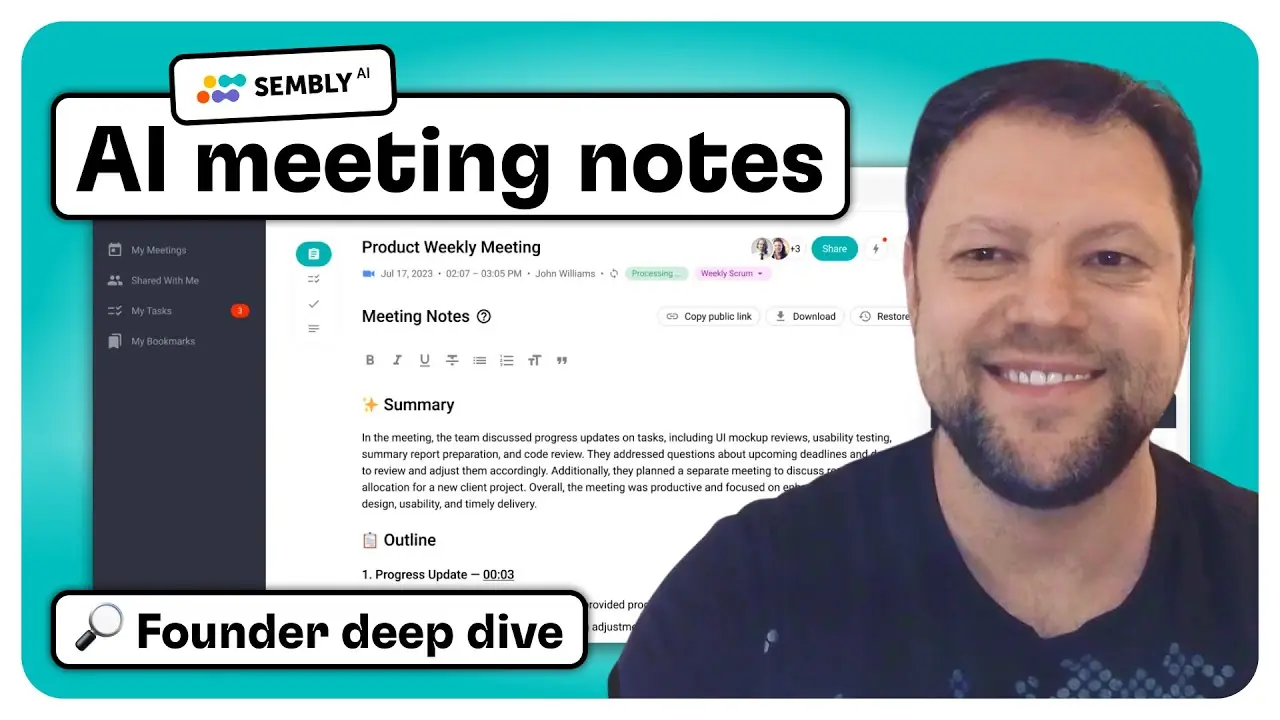
Meet Sembly
When Artem Koren and his team started building Sembly in 2019, the landscape looked very different. AI note-takers weren’t common yet, and the idea of having an AI assistant join your meetings felt futuristic. But they saw an opportunity: if AI could sit in on your calls, it could help teams unlock better outcomes with less manual work.
Meeting notes were the first use case, but the team always had a broader vision. They wanted to reduce the time people spent processing conversations, and increase the accuracy and value of the information captured. Over time, that meant not just summarizing what was said, but understanding the context of the meeting, surfacing insights, and helping teams take the right next steps.
Sembly has grown from a simple tool into a robust platform used by thousands of companies around the world. But its core purpose hasn’t changed: make meetings more useful, more actionable, and less of a burden for everyone involved.
Feature highlights
Shows up to your meetings with zero setup
Sembly joins Zoom, Google Meet, Teams, and Webex calls as a virtual participant. No downloads or browser extensions required. Just connect your calendar and it’s ready to go.
Formats notes based on the meeting type
Sembly knows whether you're running a 1:1, sales call, or kickoff. It adapts the structure of the notes accordingly, so you see the right details for the job, like opportunities in sales calls or blockers in team standups.
Extracts tasks, deadlines, and ownership automatically
Tasks, decisions, risks, and issues are captured and organized automatically. Sembly even tags who said what, assigns owners, and includes due dates when mentioned.
Answers complex questions using your actual meeting history
With Semblian, you can ask things like “Which deals are close to closing?” or “What were the main objections this week?” It scans your meeting data and gives you fast, accurate responses grounded in multi-meeting context.
Creates full-length proposals from your calls
Turn a discovery meeting into a polished sales proposal or project plan. Sembly builds documents with objectives, solutions, pricing, and next steps using your call transcripts and web research.
Delivers role-specific insights after each meeting
You’ll get a personalized set of recommendations based on your role in the call. That could include follow-up ideas, competitive plays to run, or content to send next, ready to act on right away.
Why Sembly stands out
Sembly is built for teams that want their meetings to lead somewhere. It captures the conversation, understands the context, and turns it into clear next steps, synced data, and real documents. The product fits naturally into existing workflows and gives teams a faster way to follow through after every call.
What makes it different:
→ Formats notes automatically based on the type of meeting
→ Syncs structured notes and tasks directly into HubSpot
→ Includes AI chat that pulls answers from your actual meetings
→ Creates full proposals and reports from call content
→ Surfaces personalized recommendations for follow-up
One thing we loved:
Sembly makes it easy to zoom out and spot patterns across all your meetings. You can pull up a week’s worth of sales calls, see which features came up most, and group opportunities by how far along they are. No tagging or prep work required. It’s a quick way to turn scattered conversations into focused next steps.
Try Sembly for yourself
Sembly offers a free trial across all plans except enterprise, so you can get started without talking to sales. You’ll be able to test key features like multilingual notes, task extraction, AI chat, and HubSpot syncing.
You can sign up at sembly.ai to start your trial and explore which plan is the best fit for your needs.
AskElephant
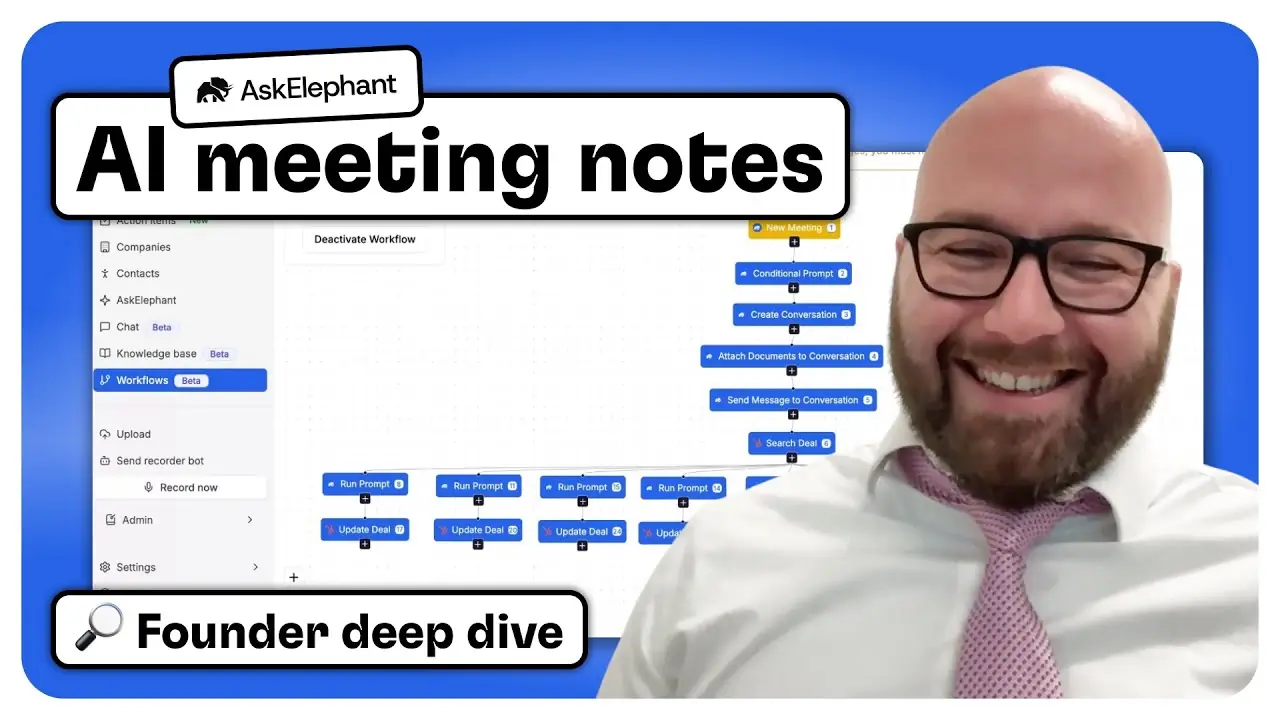
 Watch the AskElephant deep dive
In this series, we talk with the founders and CEOs behind the top AI notetaking tools to learn how they’re built, what they do best, and how they fit into real sales and CS workflows.
In this video, we sit down with Woody Klemetson, founder of AskElephant.
Watch to see how AskElephant powers custom AI agents, prepares for meetings with data from HubSpot and the web, syncs custom HubSpot fields, detects deal risks, and supports seamless handoffs across sales and onboarding teams.
Meet AskElephant
Woody Klemetson started AskElephant after years of consulting for companies that wanted help pulling insights from sales calls. He was often paid to listen to call recordings and summarize what happened, which felt slow and repetitive. He realized there was valuable information trapped in those conversations, but no simple way for teams to capture it and put it to work.
Woody wanted to help customer-facing teams focus on their customers instead of juggling dozens of tools. That idea became the foundation for AskElephant, which blends meeting data, HubSpot records, and web research into custom AI workflows that match how each team works.
Since launching, AskElephant has grown into a platform that helps sales and success teams prepare for meetings, keep HubSpot updated, and spot important signals in calls. Woody and his team continue to expand the tool’s AI capabilities and have recently raised a $6M seed round to fuel further development.
Feature highlights
Meeting prep with web and HubSpot insights
AskElephant helps users get ready for meetings by pulling in data from HubSpot, past conversations, and public web research. It can also analyze someone’s online presence to suggest personality traits, giving reps an extra layer of context for how to approach the conversation.
Custom HubSpot field updates
Teams can choose which custom fields in HubSpot they want AskElephant to update automatically after calls, emails, or meetings. This keeps CRM records current without needing manual data entry.
Personalized meeting summaries
AskElephant generates meeting summaries that users can customize to match their style and preferences. Summaries are saved as HubSpot notes by default, but specific details can also be pushed into other records with a single click.
Action-driven follow-up
AskElephant identifies action items from conversations and helps users follow up quickly. AI agents can draft emails, create notes, or send updates into HubSpot, which saves time and reduces context switching.
Deal monitoring and coaching
Managers can use AskElephant to monitor calls for missed objections or other deal risks. The system sends alerts and suggestions for coaching, helping leaders support their teams before issues affect deals.
Competitive intelligence tracking
AskElephant can run regular web searches to track new competitors or market changes. Teams stay informed without spending hours on research.
Why AskElephant stands out
AskElephant is built for teams who want AI to help beyond notes and summaries. It focuses on running custom AI agents that take action, keep HubSpot up to date, and help teams work smarter. It also offers unique features that set it apart from other notetakers.
What makes it different:
→ Personality insights that guess a prospect’s style based on public web data
→ AI agents that spot missed objections in sales calls and notify managers to help save deals
→ Workflows that combine details from multiple calls into one onboarding summary
→ Agents that draft follow-up emails and push updates into specific HubSpot records
→ Competitive monitoring agents that scan the web and report new market activity
One thing we loved:
We were impressed that AskElephant can pull details from several calls and produce a single onboarding summary. It saves teams from digging through separate notes and helps keep handoffs smooth and accurate.
Try AskElephant for yourself
AskElephant focuses on building custom agentic workflows tailored to each team’s needs, so getting started begins with talking to their team.
You can visit askelephant.ai to request a demo and see how it can fit into your sales and onboarding processes.
Claap
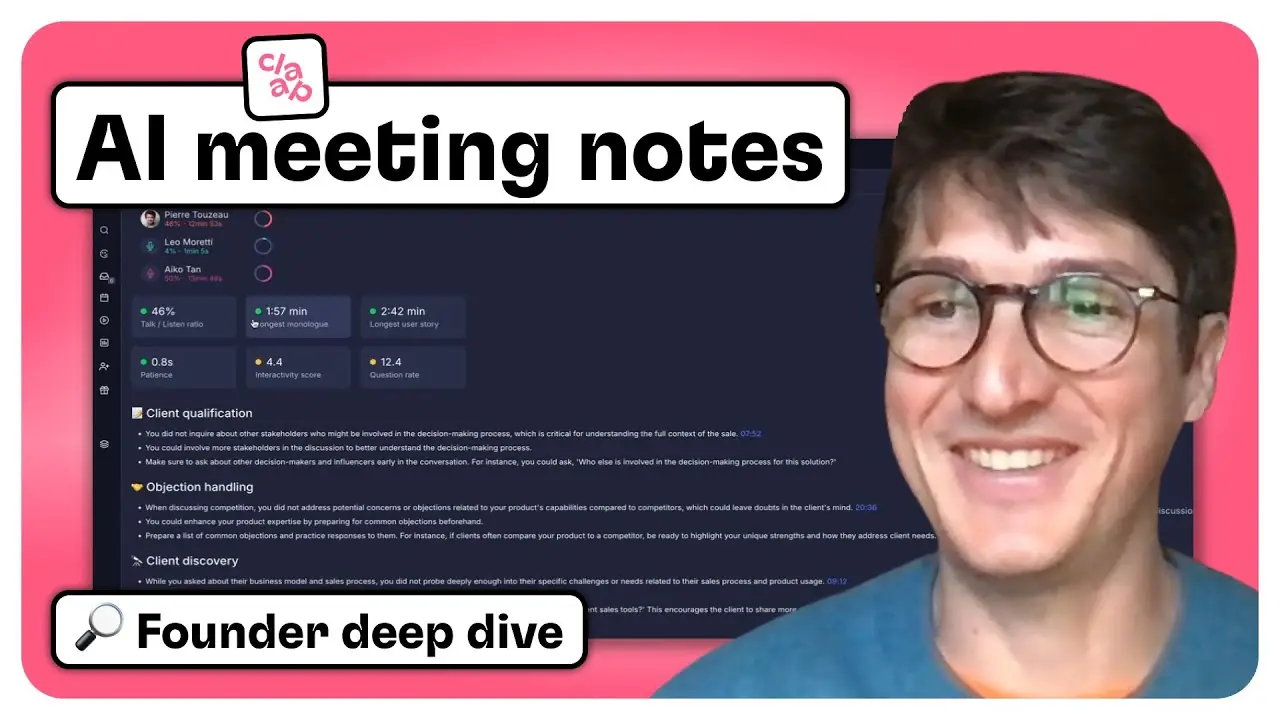
 Watch the Claap deep dive
In this series, we talk with the founders and CEOs behind the top AI notetaking tools to learn how they’re built, what they do best, and how they fit into real sales and CS workflows.
In this video, sit down with Robin Bonduelle, co-founder and CEO of Claap.
Watch to see how Claap enables flexible video recording, creates magic clips for sharing insights, offers in-app video editing, translates meetings across 99 languages, and transforms conversations into structured data ready for CRM sync and AI-driven workflows.
Meet Claap
Claap wasn’t always an AI note-taker. It actually started as an idea to help people skip meetings altogether.
Robin Bonduelle and his co-founders, who came from places like Amazon and L’Oréal, first built Claap as an asynchronous video tool for remote teams. But as people started heading back into meetings after the pandemic, they realized the real problem wasn’t just avoiding calls. It was figuring out how to capture what happened in those conversations and make that information useful across the whole company.
While many tools focused on quick personal notes, or locked insights inside big revenue platforms, Robin’s team wanted to build something more open and flexible. They saw conversations as the most valuable data in a business and believed teams should be able to turn those insights into structured information they could use anywhere—from CRM updates to AI workflows.
Today, Claap brings together flexible video recording, multilingual support, in-app editing, and unique features like magic clips. It’s designed to help teams turn their meetings into reusable, searchable insights that power real work across sales, customer success, and beyond.
Feature highlights
Flexible recording options
Claap lets you capture meetings however it suits you. You can invite a bot, upload recordings, use a browser extension, or record your screen and camera for asynchronous updates. Whether you’re in a live meeting, sharing a quick explainer, or working offline, Claap helps make sure you don’t miss important moments.
Magic Clips for shareable insights
Instead of watching long recordings from start to finish, Claap helps you pull out the highlights. Magic Clips let you automatically extract key moments, like objections or competitor mentions, and save them as short video snippets you can easily share with your team. It’s handy for sales enablement, training, or keeping everyone informed.
In-app video editing
Sometimes you need to remove sensitive details or tighten up a recording before sharing it. Claap’s built-in video editor makes it simple to trim sections from both screen recordings and meetings, right inside the app. You don’t need any extra tools.
Translation and multilingual support
Claap is designed for global teams. It can translate transcripts and insights into 99 languages, so you can share conversations with colleagues anywhere in the world. Whether your calls are in Spanish, French, or Japanese, Claap makes it easy for everyone to stay on the same page.
Structured insights tailored to your team
Claap does more than just summarize meetings. You can capture specific details from calls, like sales frameworks, scorecards, or custom fields, and export them in structured formats. It’s a practical way to turn conversations into useful data for your CRM or reports.
Smart Columns for new questions
Claap helps you explore past conversations in fresh ways. With Smart Columns, you can ask new questions about your meeting history, like finding every mention of a competitor or customer pain point, and instantly create new data columns without rewatching old recordings.
Workspace views for team collaboration
Claap organizes insights into channels and views, combining the feel of a wiki with the flexibility of a database. You can filter, sort, and display data any way you like, making it easier for teams to share knowledge and spot trends.
Deep integrations with CRM tools
Claap connects smoothly with HubSpot, Salesforce, Pipedrive, and Attio. It’s not just about exporting data. You can also pull updates from your CRM back into Claap, so everything stays in sync no matter where you’re working.
Granular sharing and permissions
Claap gives you precise control over who can see, comment on, or edit recordings and insights. From public links to private team notes, it’s built to handle privacy needs across different teams and regions.
Why Claap stands out
Claap helps teams turn conversations into structured, shareable data they can use across tools like HubSpot and Salesforce. It’s built for flexibility, letting you record meetings in different ways, edit videos, create magic clips, and translate conversations into 99 languages.
What makes it different:
→ Records live meetings, uploads, and async videos
→ Turns key moments into shareable Magic Clips
→ Includes built-in video editing
→ Supports translation and subtitles in 99 languages
→ Captures structured data for any business framework
→ Syncs data both ways with CRM tools
→ Lets you find new insights in past calls with Smart Columns
One thing we loved:
Magic Clips make it easy to share important moments from meetings without having to watch the whole recording. It’s a huge time-saver for teams.
Try Claap for yourself
You can try Claap for free at claap.io. There’s a freemium option as well as trials for advanced features.
Claap lets different teams within the same company use different licenses to fit their needs, so sales teams can unlock deeper integrations and automations, while internal teams can choose lighter plans.
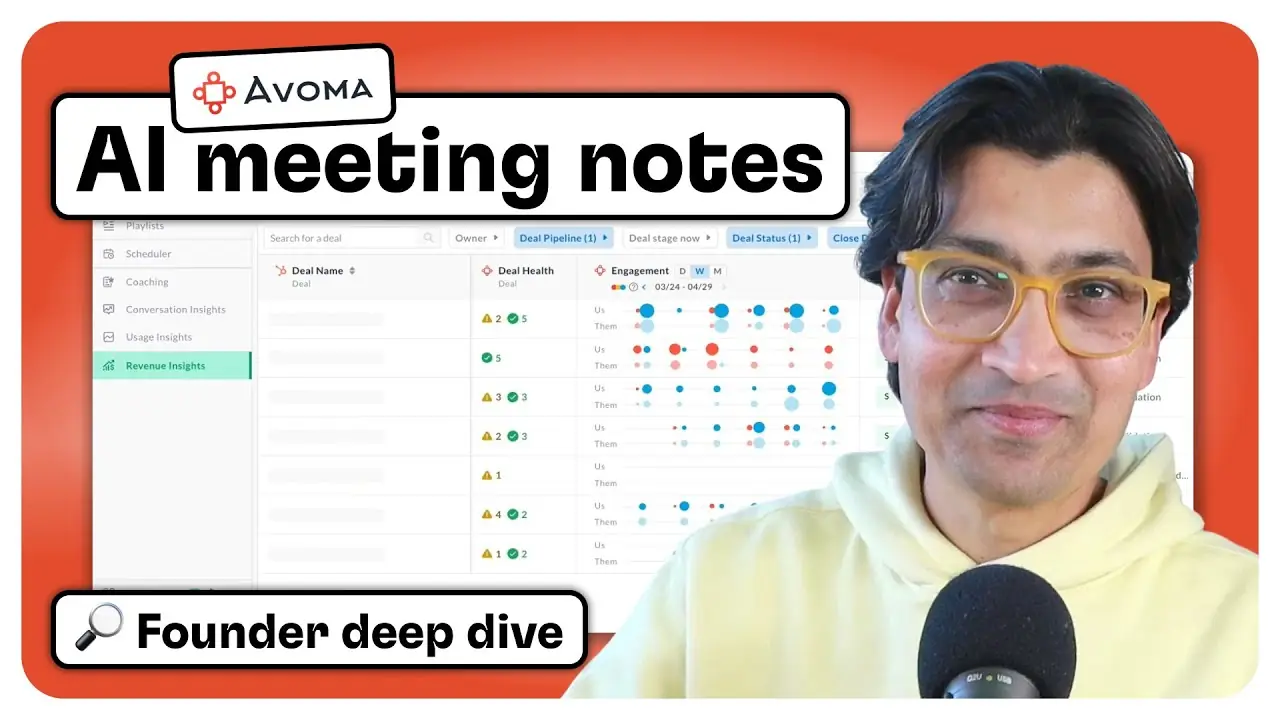
Avoma
 Watch the Avoma deep dive
In this series, we talk with the founders and CEOs behind the top AI notetaking tools to learn how they’re built, what they do best, and how they fit into real sales and CS workflows.
In this video, we sit down with Aditya Kothadiya, founder and CEO of Avoma.
Watch to see how Avoma powers AI meeting notes across teams, syncs structured data to HubSpot, delivers customizable coaching insights, surfaces deal risks, and acts as an internal ChatGPT for your entire conversation history.
Meet Avoma
First, a fun fact: did you know Avoma is actually an acronym that stands for A Very Organized Meeting Assistant?
That name goes all the way back to the early days of the company. Avoma launched over seven years ago, long before AI note takers were common and before tools like ChatGPT existed. In those early years, the team didn’t rely on prebuilt AI models. Instead, they used real human note takers to label and structure conversation data, building a strong foundation for what would become a much more powerful platform.
Founder and CEO Aditya Kothadiya started Avoma with a clear focus: help revenue teams run better meetings and make faster decisions. That meant capturing the right insights, organizing them clearly, and making sure important details didn’t get lost across tools and teams.
Today, Avoma has grown into a full conversation intelligence platform. It captures meetings, syncs structured notes into HubSpot, identifies coaching opportunities, flags deal risks, and helps teams analyze patterns across every stage of the customer journey. Sales, success, onboarding, and even internal teams can all use Avoma in slightly different ways, with flexible templates, views, and permissions to match.
Feature highlights
CRM sync that stays structured and up to date
Avoma pulls insights like pain points, goals, and workflows from your calls and automatically syncs them to the right fields in HubSpot. As new meetings and emails happen, it re-summarizes those fields so your CRM reflects the most current information without piling on clutter.
Conversation intelligence that surfaces what matters
Avoma analyzes every call to extract patterns, highlight risks, and uncover trends across your pipeline. You’ll see what top performers do differently, which deals need attention, and where customers are getting stuck. It gives leaders the visibility they need without having to dig through recordings.
Ask Avoma across meetings, deals, or your entire org
Need to prep for a follow-up or spot gaps in a deal? Ask Avoma to summarize calls, list objections, or surface positive feedback from any part of your conversation history. You can search at the meeting, deal, or org level and get answers with links to the original context.
Coaching and scorecards that scale with your team
After each meeting, Avoma provides coaching insights on talk speed, structure, discovery depth, and more. For teams with a defined sales methodology, you can layer on scorecards to track rep performance and progress over time. It’s a hands-off way to keep coaching consistent.
Track themes (not just keywords) with AI
Avoma uses semantic tracking to identify when customers bring up key topics, even if they phrase things differently. You can set alerts for themes like pricing, competitors, or churn risks and send them straight to Slack, so your team stays informed in real time.
Flexible setup for every function on your team
Avoma is built to support multiple teams in one place. Sales, CS, onboarding, and even internal calls can each have their own templates, data workflows, and user views. You don’t need different tools or a one-size-fits-all setup. Just tailor it to each group’s workflow and let them run with it.
Why Avoma stands out
Avoma turns conversations into structured insights your entire team can use. It goes beyond transcription by updating HubSpot fields, identifying coaching opportunities, and spotting deal risks automatically. Every part of the platform is built to support real sales and CS workflows at scale.
What makes it different:
→ Syncs key insights into HubSpot properties and keeps them updated over time
→ AI assistant that pulls answers from calls, deals, or company-wide history
→ Coaching feedback and rep scorecards without manual call review
→ Tracks customer themes using semantic matching instead of basic keywords
→ Works across teams with flexible templates, permissions, and workflows
One thing we loved:
Avoma’s HubSpot sync is incredibly precise. It updates individual fields like pain points or goals with AI-summarized notes and keeps them clean over time. That kind of structured automation is rare, and it makes a big difference when you're managing dozens of deals or accounts.
Try Avoma for yourself
You can get started with a 14-day free trial at avoma.com. The trial includes full access with no limits, so you can test AI notes, coaching insights, CRM sync, and more.
If your team uses HubSpot, you’ll be able to map notes directly to deal and contact properties right away.
Spiky AI
 Watch the Spiky AI deep dive
In this series, we talk with the founders and CEOs behind the top AI notetaking tools to learn how they’re built, what they do best, and how they fit into real sales and CS workflows.
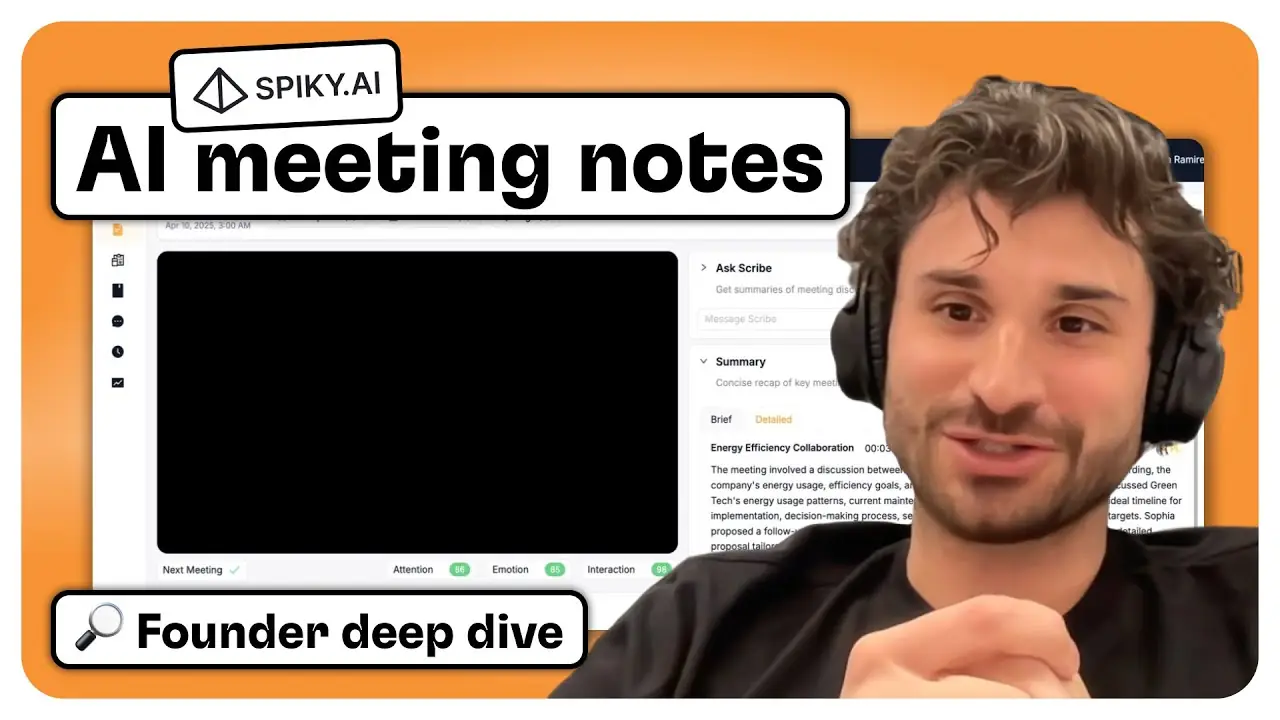
In this video, we sit down with Burak Aksar, founder of Spiky.
Watch to see how Spiky delivers real-time coaching during calls, syncs structured playbook answers to HubSpot, customizes note formats with prompt-based agents, surfaces live battle cards, and tracks key signals like pricing interest and next meeting intent.
Meet Spiky
Spiky AI started with a bold goal: to give every rep a real-time coach. Instead of waiting until after the call for feedback, Spiky helps reps course-correct live with battle cards, prompts, and contextual nudges that appear during the conversation. For sales and CS leaders, it also delivers structured insights, showing where deals are going off track or which reps need support with discovery or budget discussions.
Spiky is used by revenue teams across sales, customer success, and support. It connects directly to your calendar, joins meetings automatically, and syncs structured data into your CRM. That includes summaries, transcripts, playbook answers, and more, all customizable through Spiky’s prompt-based “agents.”
While many AI notetakers focus only on summaries, Spiky is built for deal execution and enablement. You can track buyer intent live during calls, use agenda-driven templates for different meeting types, and turn your enablement content into live battle cards. It’s one of the most flexible tools we’ve seen, designed to drive action during and after every call.
Feature highlights
Live in-call coaching and nudges
Spiky surfaces real-time prompts during meetings based on what’s being discussed. If a rep forgets to cover budget or next steps, the system offers a reminder in the moment. It can also suggest responses to objections using dynamic battle cards that update as the call unfolds.
Custom note formats using prompt-based agents
Spiky’s “agents” let you define exactly how meeting outputs should be structured. Whether you prefer a format like Fathom, Fireflies, or your own internal template, you can create reusable agents that generate summaries, follow-ups, and Slack messages in your preferred style.
Team-wide and personal templates
Templates can be shared across your organization or kept private for individual use. Sales leaders can create consistent follow-up formats, while reps can build templates for investor updates, onboarding calls, or demos. You can apply templates with a single click.
Structured CRM updates from playbooks
Spiky connects your playbook questions to custom fields in your CRM. It pulls answers from across multiple meetings and updates deal records automatically. You decide which fields to populate and how the output should be formatted.
Flexible HubSpot sync with full control
Spiky matches meetings to companies, deals, and contacts in HubSpot. You can choose exactly what data gets synced, from summaries and action items to full transcripts. The setup is quick, and you can adjust sync settings at the organizational level.
Automatically generated battle cards
Spiky turns your existing enablement content into battle cards that appear during live calls. When keywords or objections come up, reps see suggested responses without having to search. Everything updates dynamically based on what’s being discussed.
Why Spiky stands out
Most AI notetakers focus on what happened after the call. Spiky does more by helping reps in the moment. It offers real-time guidance, connects to your playbooks, and writes structured data into your CRM. The result is better calls, better coaching, and better insights inside HubSpot.
What makes it different:
→ Real-time prompts and coaching during live calls
→ Custom note formats using prompt-based agents
→ Automated playbook tracking with CRM field updates
→ Battle cards generated automatically from enablement content
→ Deep HubSpot integration with full control over what syncs
One thing we loved:
Spiky makes CRM updates feel effortless. Instead of relying on manual entry, it pulls answers to your playbook questions directly from the call and fills in the right fields inside HubSpot. You get accurate, structured data across multiple meetings without extra work from your team.
Try Spiky for yourself
You can get started with Spiky in just a few clicks. Connect your calendar, and the tool will begin analyzing meetings right away.
Spiky integrates directly with HubSpot, Salesforce, Pipedrive, and Zoho, with full control over what gets synced.
Try it for free at spiky.ai.
Glyphic
 Watch the Glyphic deep dive
In this series, we talk with the founders and CEOs behind the top AI notetaking tools to learn how they’re built, what they do best, and how they fit into real sales and CS workflows.
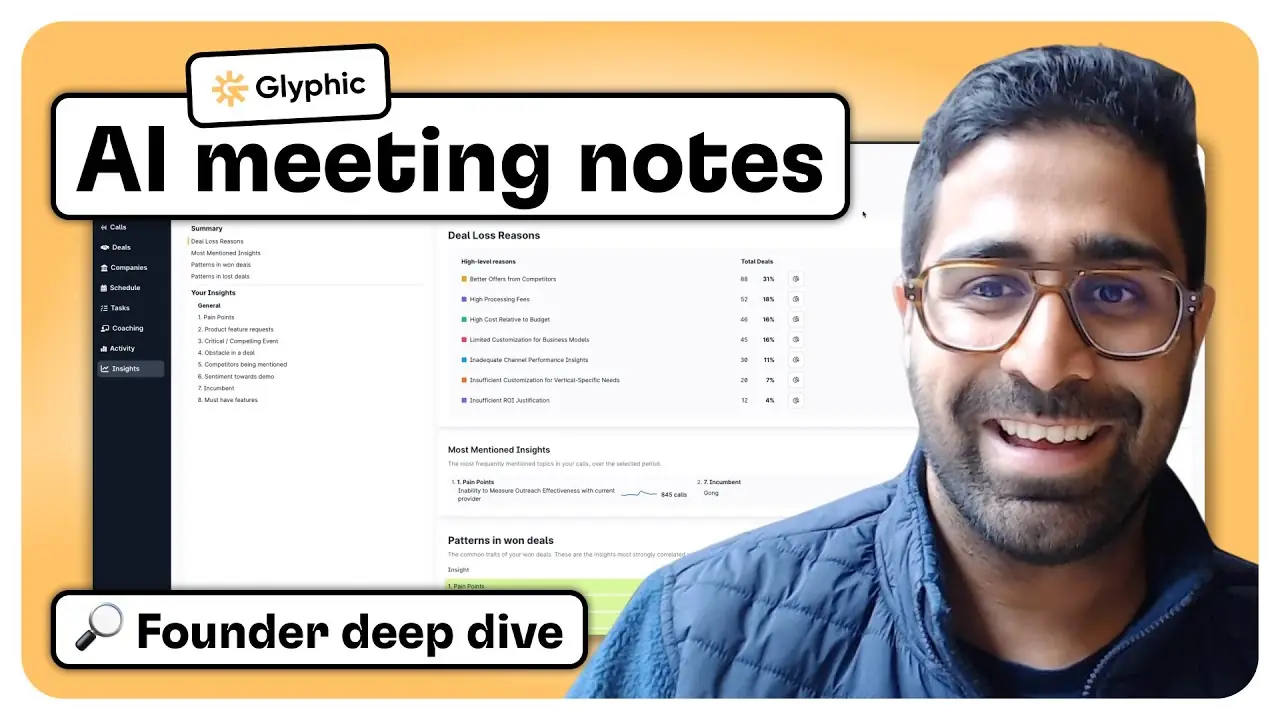
In this video, we sit down with Devang Agrawal, co-founder of Glyphic.
Watch to see how Glyphic helps teams coach reps with AI-generated scorecards, sync structured call insights into HubSpot, automate rep tasks, surface deal-level trends like win/loss reasons and competitor mentions, and generate always-updated sales playbooks.
Meet Glyphic
Glyphic was founded by Devang Agrawal and Adam Liska, both researchers at Google DeepMind. They started the company with a technical insight and a practical problem: large language models had finally reached the point where they could deliver meaningful value in sales workflows, and modern revenue teams were losing connection with their customers as they scaled.
In early-stage sales, founders know every conversation. But once teams grow, insights get lost across layers of management, and sales, product, and marketing teams start flying blind. Glyphic was built to fix that by capturing every customer interaction, structuring the data, and turning it into coaching insights, CRM updates, and strategic guidance.
Rather than building yet another tool for note-taking or call review, the team built Glyphic as a sales co-pilot from the ground up. The platform automates prep, fills CRM fields with structured data, generates playbooks, and pinpoints where reps and deals get stuck. It’s designed to help teams not just remember what happened on a call, but take action on it.
Feature highlights
Skill-based coaching with AI-generated scorecards
Glyphic helps frontline managers identify where reps are struggling and where they’re excelling using fully customizable scorecards. Reps are automatically evaluated across calls, and managers get a clear view of skill gaps, like reps who consistently skip next steps, so they can coach more effectively.
Structured CRM syncing, not just notes
Unlike tools that drop everything into a notes field, Glyphic syncs data directly into structured HubSpot and Salesforce fields. It supports picklists, booleans, and numeric fields. Setup is simple: write a prompt, map it to a CRM property, and Glyphic handles the rest.
Pre-call prep and post-call task automation
Reps get insights before every call, including company details and deal context, and a fully automated task list after each meeting. Next steps, follow-ups, and action items are pulled directly from the transcript and organized in Glyphic’s built-in task manager.
Quick Actions for team-wide consistency
Reps or managers can save prompt templates called Quick Actions to automate common workflows like generating follow-up emails, identifying red flags, or kicking off handoff processes. These can be shared across the team to drive consistency without relying on top-down enforcement.
Deal-level insights across all calls
Each deal in Glyphic shows a full summary, stakeholder map, action items, and scorecard results across multiple calls. Reps and managers can search for patterns, ask questions about the deal, and get a complete picture without piecing together individual notes.
Sales playbooks and win/loss trends powered by call data
Glyphic uses real conversations and CRM data to automatically generate and update your sales playbook. It also surfaces which pain points convert best, which competitors come up most often, and why you’re winning or losing deals, with no manual tagging or CSV uploads.
Why Glyphic stands out
Glyphic is built for sales teams that want more than AI notes. It combines rep coaching, CRM automation, and strategic insights in a single workflow. Designed from the ground up using modern language models, Glyphic helps teams understand what’s happening in their pipeline and gives them the tools to improve performance at every level.
What makes it different:
→ Fully customizable coaching scorecards that track rep performance across real calls
→ Structured CRM syncing into picklists, booleans, and custom fields in HubSpot and Salesforce
→ Deal-level summaries that show stakeholders, timelines, and follow-ups in one view
→ Always-updated playbooks and win/loss trends based on actual call data
→ Pre-call prep and post-call tasks integrated into a rep’s daily workflow
One thing we loved:
Glyphic’s coaching tools make it easy for managers to spot patterns and take action. If a rep keeps skipping next steps or struggles with discovery, the data brings it to the surface with specific call examples and suggestions. It makes coaching focused, practical, and easier to scale.
Try Glyphic for yourself
Glyphic offers a free two-week trial so you can see how it fits into your sales workflow. Set it up in minutes with just your calendar and HubSpot or Salesforce.
Start coaching reps, syncing structured insights to your CRM, and uncovering what drives your deals.
Try it now at glyphic.ai.
Triple Session
 Watch the Triple Session deep dive
In this series, we talk with the founders and CEOs behind the top AI notetaking tools to learn how they’re built, what they do best, and how they fit into real sales and CS workflows.
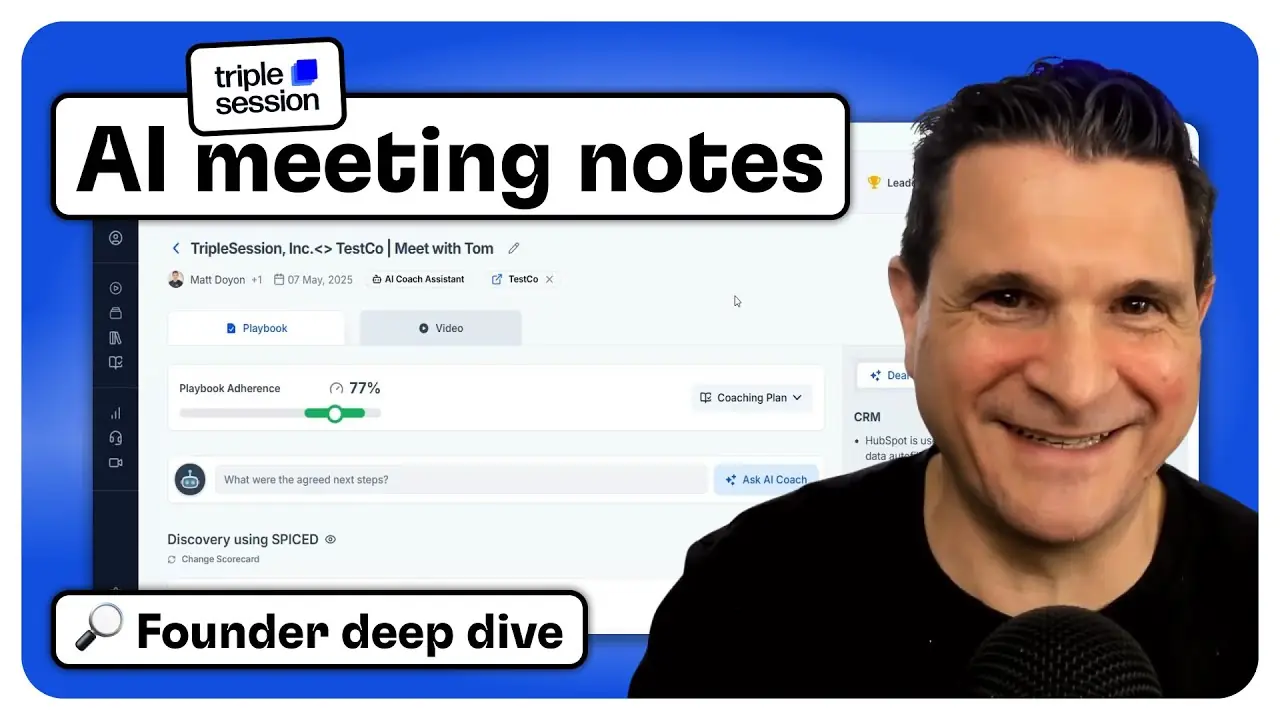
In this video, we sit down with Matt Doyon, CEO and co-founder of Triple Session.
Watch to see how Triple Session helps teams coach reps with AI-generated scorecards, sync structured call insights into HubSpot, surface team-level performance gaps, deliver on-demand training based on rep needs, and curate call snippets into a best-practice library.
Meet Triple Session
Triple Session was created to solve a challenge Matt Doyon faced firsthand. As a former HubSpot sales rep and the CRO of a SaaS company, Matt was leading a remote team of 120 people and needed better visibility into what was happening on sales calls. He wanted a way to capture insights from conversations and use them to coach reps, improve skills, and inform training at scale.
Existing tools could handle note-taking and call summaries, but they didn’t help him understand patterns or support rep development. So Matt and a teammate built a solution focused on coaching and performance.
Triple Session starts by identifying what sales leaders need to learn from their team's conversations. From there, it captures structured insights, applies scoring logic, syncs key data into HubSpot, and recommends targeted training based on each rep’s performance. It works especially well for high-volume sales teams where reviewing every call isn’t realistic.
The result is a single platform where managers can track trends, coach effectively, and support reps with on-demand training and real examples pulled from real conversations.
Feature highlights
AI-generated scorecards with SPICED analysis
Every call is automatically scored using a customizable framework like SPICED. You can track how reps are performing across situation, pain, impact, and next steps, then spin up coaching plans based on the results.
Team-level performance insights
Managers can see patterns across the team with roll-up reports that highlight strengths and gaps. These insights help guide bootcamps, enablement initiatives, and weekly one-on-ones using real conversation data.
Custom HubSpot CRM sync with two-way updates
Triple Session syncs structured data into HubSpot using your custom properties—dropdowns, text fields, and more. It pulls in the associated deal and contact record, pushes summaries and property values, and even flags when data needs updating.
Post-call workspace for reps
After every call, reps land in a unified workspace with the recording, transcript, analysis, CRM sync options, and suggested follow-ups. The system acts like a manager’s feedback—available automatically, every time.
Built-in LMS for skill-based training
Triple Session tracks where reps are scoring low and assigns short-form training videos with quizzes to help them improve. The LMS adapts over time, turning call performance into personalized learning paths.
Moments Academy for peer learning
Top-performing call snippets are automatically pulled into a searchable internal library. Reps can study how their teammates handled pricing objections, uncovered business impact, or ran a strong discovery—all using real calls from their own team.
Why Triple Session stands out
Triple Session helps sales teams improve performance by connecting call analysis, coaching, and training in one workflow. It’s especially useful for teams with high call volume who need visibility into what’s working and where reps need support.
What makes it different:
→ AI scorecards built around SPICED and other frameworks
→ Coaching roll-ups that highlight team trends and gaps
→ Structured HubSpot sync with two-way updates
→ Personalized training based on rep performance
→ Peer learning through a curated call snippet library
One thing we loved:
The Moments Academy automatically pulls the best parts of real calls into a searchable library. It’s a practical way to help reps learn from each other without adding more meetings.
Try Triple Session for yourself
You can get started with Triple Session right away. Create a free account at triplesession.com, explore 30+ call templates, and sync everything into HubSpot out of the box.
If you want a more tailored setup, you can also book time with their team for a customized trial.

Put one gameplan to work across every deal.
See how Arrows turns your sales process into deal work your reps can review and run.